# Set It Once for Each Game
[HTML](https://ammonis.top/lossless-scaling-rtss-profiles/) | [llms.txt](https://ammonis.top/llms.txt)
Language: en
Give each game its own display, HDR, audio, NVIDIA DLSS, frame rate, and Lossless Scaling settings, then launch it from the same library
[Download Ammonis from Microsoft Store](https://apps.microsoft.com/detail/9NN6BHQ8WZC5)
## One game, one profile
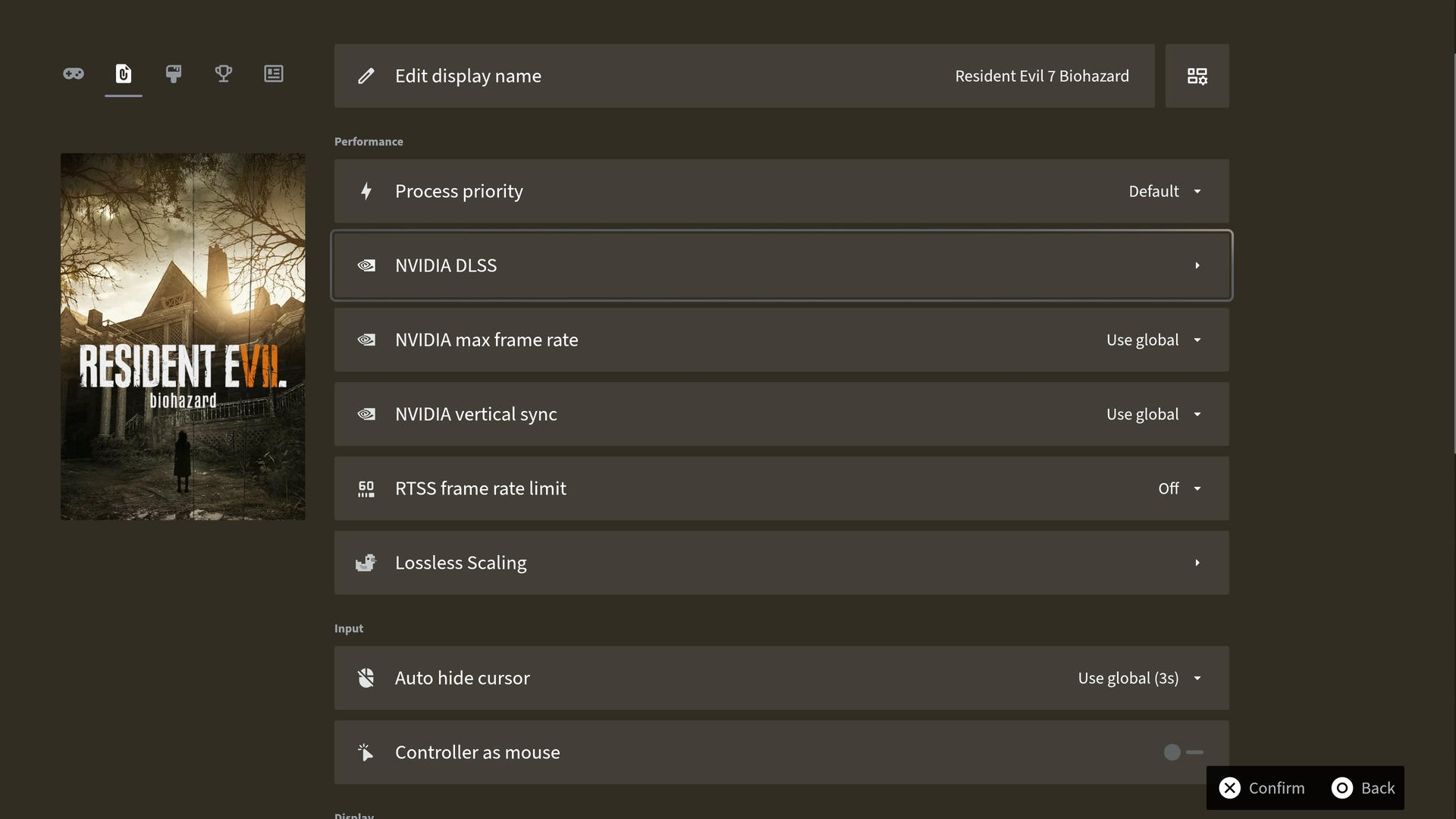
A global setting rarely suits every game. Ammonis keeps display, audio, frame rate, and scaling choices with the title they belong to. Reorder profile sections and hide settings you do not use.
### The right frame rate for every game
Adjust each game's RTSS frame limit or NVIDIA maximum frame rate with a slider, alongside V-Sync and DLSS version and preset settings on supported NVIDIA systems.
### Lossless Scaling within reach
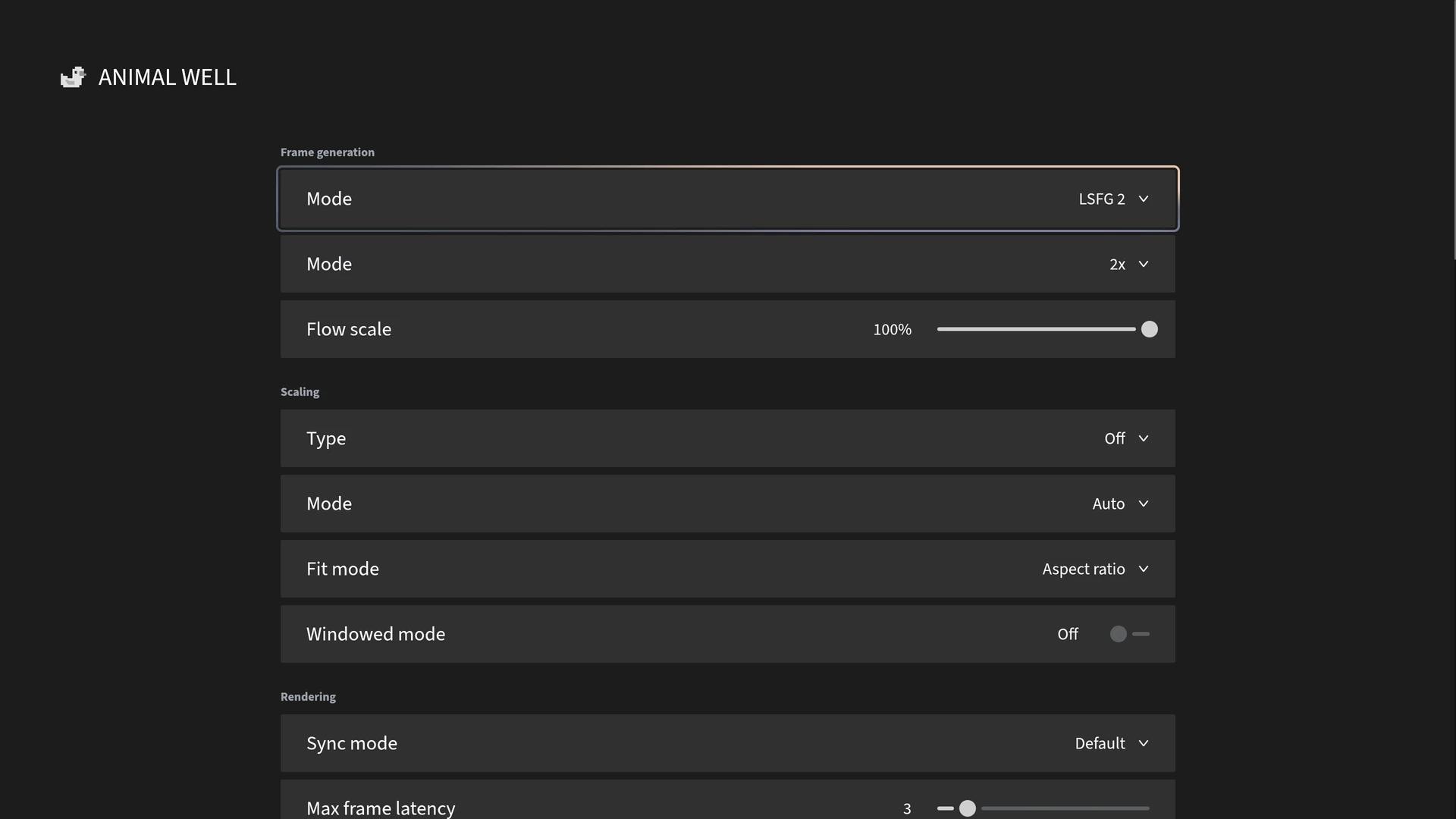
Manage Lossless Scaling profiles from your controller, and choose whether the app starts with a game and closes when the game ends.
### Display and sound that fit the game
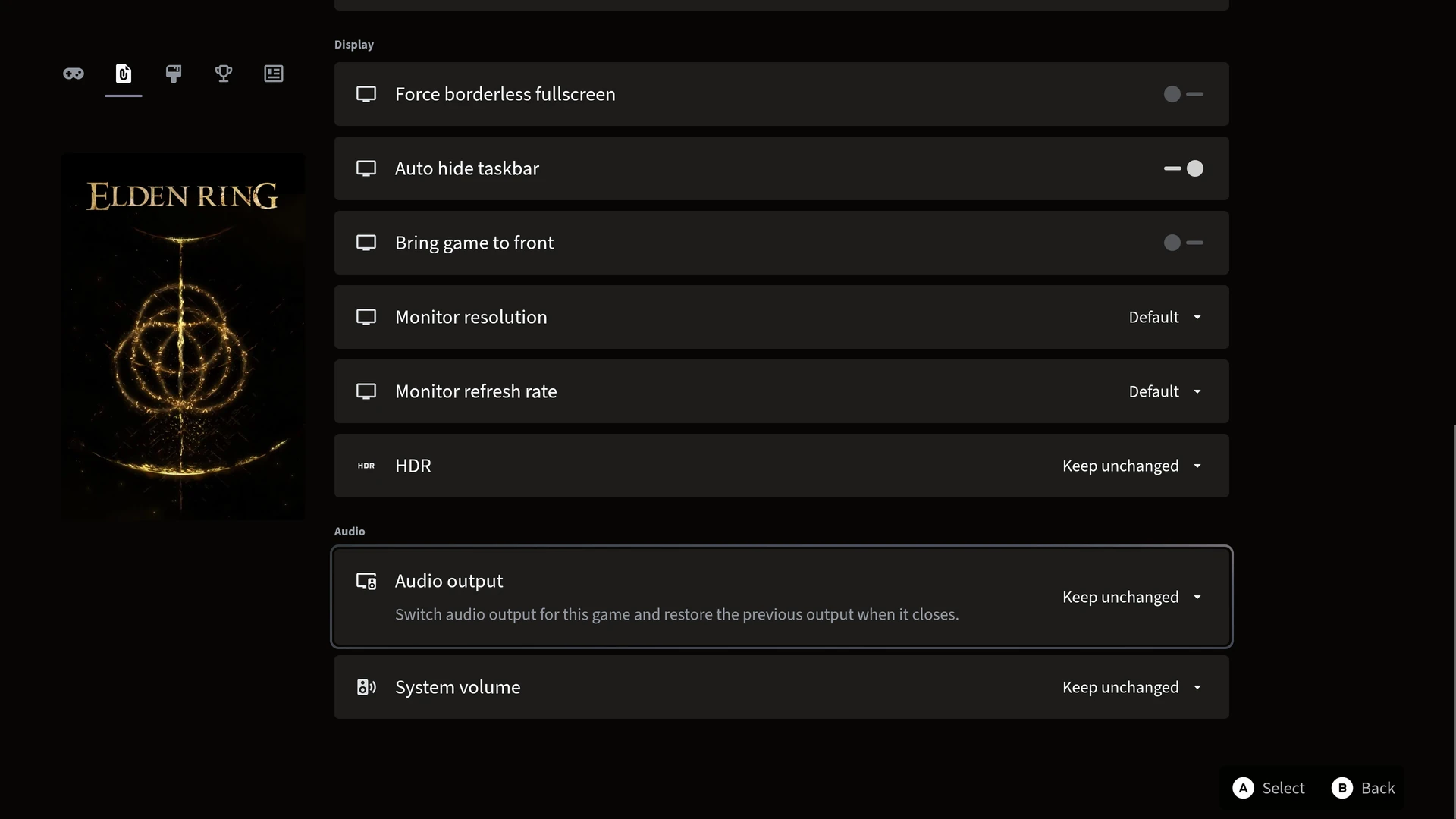
Choose resolution, refresh rate, HDR, audio output, and volume for each game. Set automatic cursor hiding or borderless fullscreen where useful.
## What happens when you launch
When you launch a game, Ammonis can apply its display and frame rate choices, switch HDR and audio settings, and start Lossless Scaling. When the game ends, the previous HDR, audio output, and volume settings are restored, and Lossless Scaling can close automatically.
## What you need
RTSS frame limits require RTSS. NVIDIA controls appear on supported NVIDIA systems, and HDR requires a compatible display. Lossless Scaling profiles require a separately purchased copy of Lossless Scaling on Steam. You can use Ammonis as a launcher without these integrations.
## Questions, answered.
### Do I need to own Lossless Scaling on Steam?
Yes. Ammonis integrates with Lossless Scaling but does not include it. You need to own the app on Steam to use its profile features.
### Does Ammonis work without RTSS?
Yes. RTSS is needed for its frame rate profiles and the in-game performance overlay. Other supported display, audio, NVIDIA, and Lossless Scaling settings remain available without RTSS.
### Can Ammonis restore my sound and HDR settings after a game?
Yes. Per-game HDR, audio output, and volume settings are applied when you launch the game, with the previous settings restored when it exits.
## The right setup for the way you play.
- [DLSS versions & presets](https://ammonis.top/dlss-swapper/index.md)
- [Comparing Ammonis and Playnite](https://ammonis.top/playnite-alternative/index.md)
- [Beyond Steam Big Picture](https://ammonis.top/steam-big-picture-alternative/index.md)
- [For living-room PCs](https://ammonis.top/living-room-pc-game-launcher/index.md)
- [XBOX mode support](https://ammonis.top/xbox-full-screen-experience/index.md)