# When Your Library Goes Beyond Steam
[HTML](https://ammonis.top/steam-big-picture-alternative/) | [llms.txt](https://ammonis.top/llms.txt)
Language: en
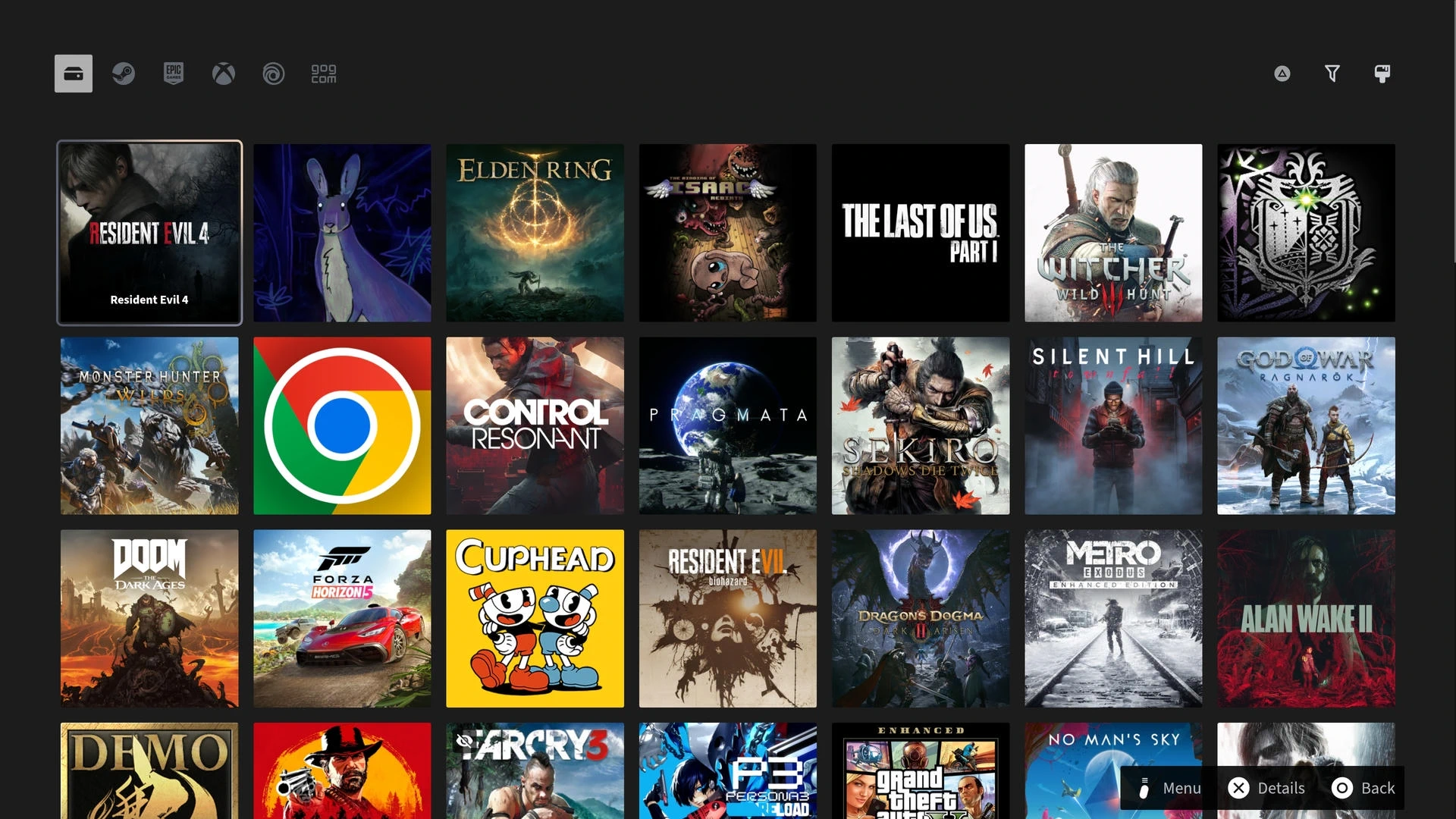
Steam Big Picture is excellent when Steam is the center of your setup. Ammonis is for the PC library that also includes XBOX, Epic, Ubisoft, GOG, and more.
[Download Ammonis from Microsoft Store](https://apps.microsoft.com/detail/9NN6BHQ8WZC5)
## The short version
Steam Big Picture is the natural choice for a Steam-centered library. Ammonis is designed for PCs where Steam is only one part of the collection.
### One multi-store library
Browse installed games, manually added programs, and owned titles from Steam, XBOX, Epic, and GOG, including games that are not installed.
### Controller-first throughout
Navigate games, launch actions, settings, and system controls from your gamepad.
### Per-game settings
Keep each game's display, HDR, audio, RTSS frame limit, and Lossless Scaling choices together.
## Keep the parts of Steam you need
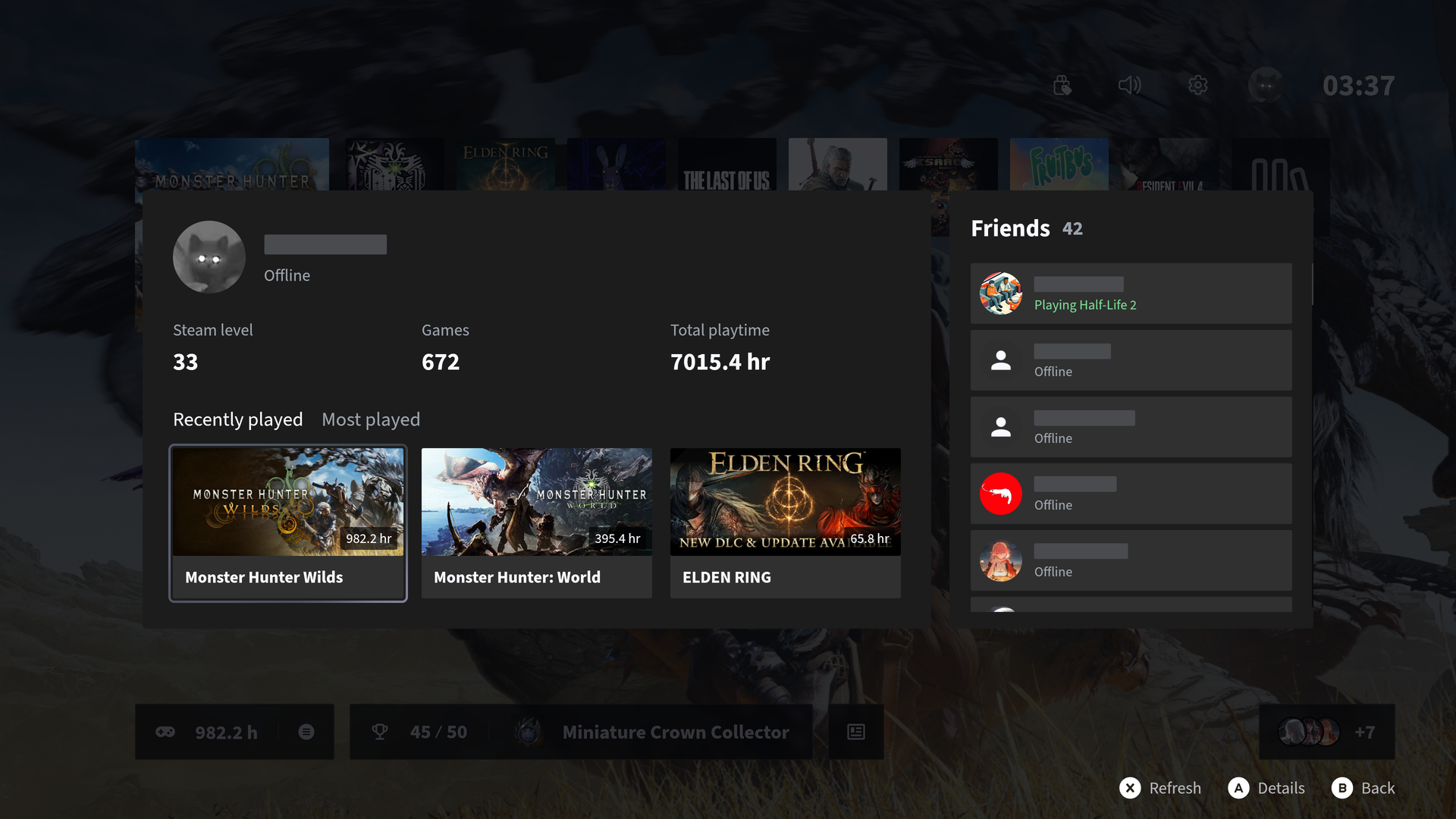
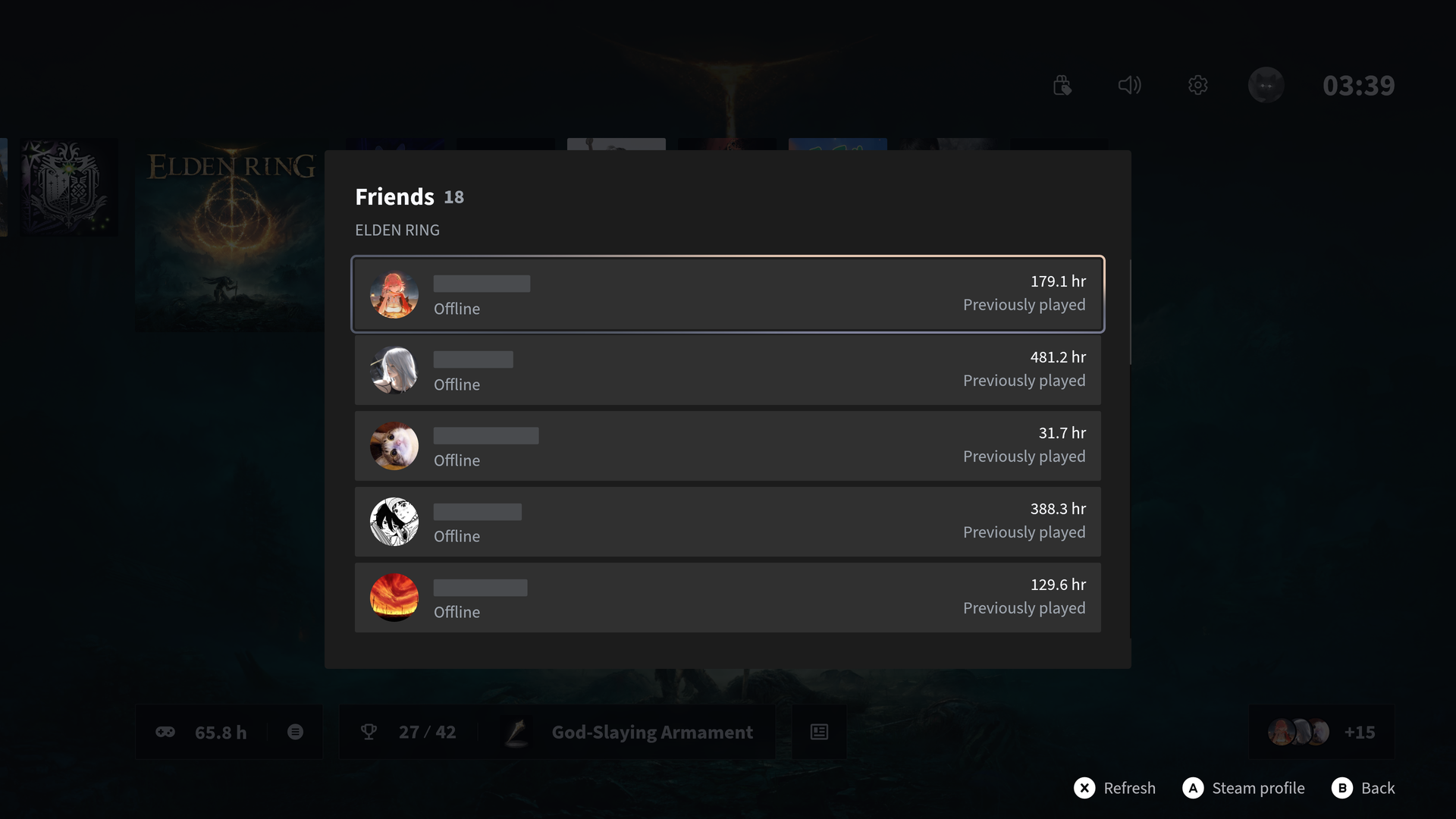
See Steam friends' game activity, open their profiles, and browse recently played and most-played games in Ammonis. Open Steam whenever you need its own store, downloads, or other controls.
## Different platforms, equally rich game details
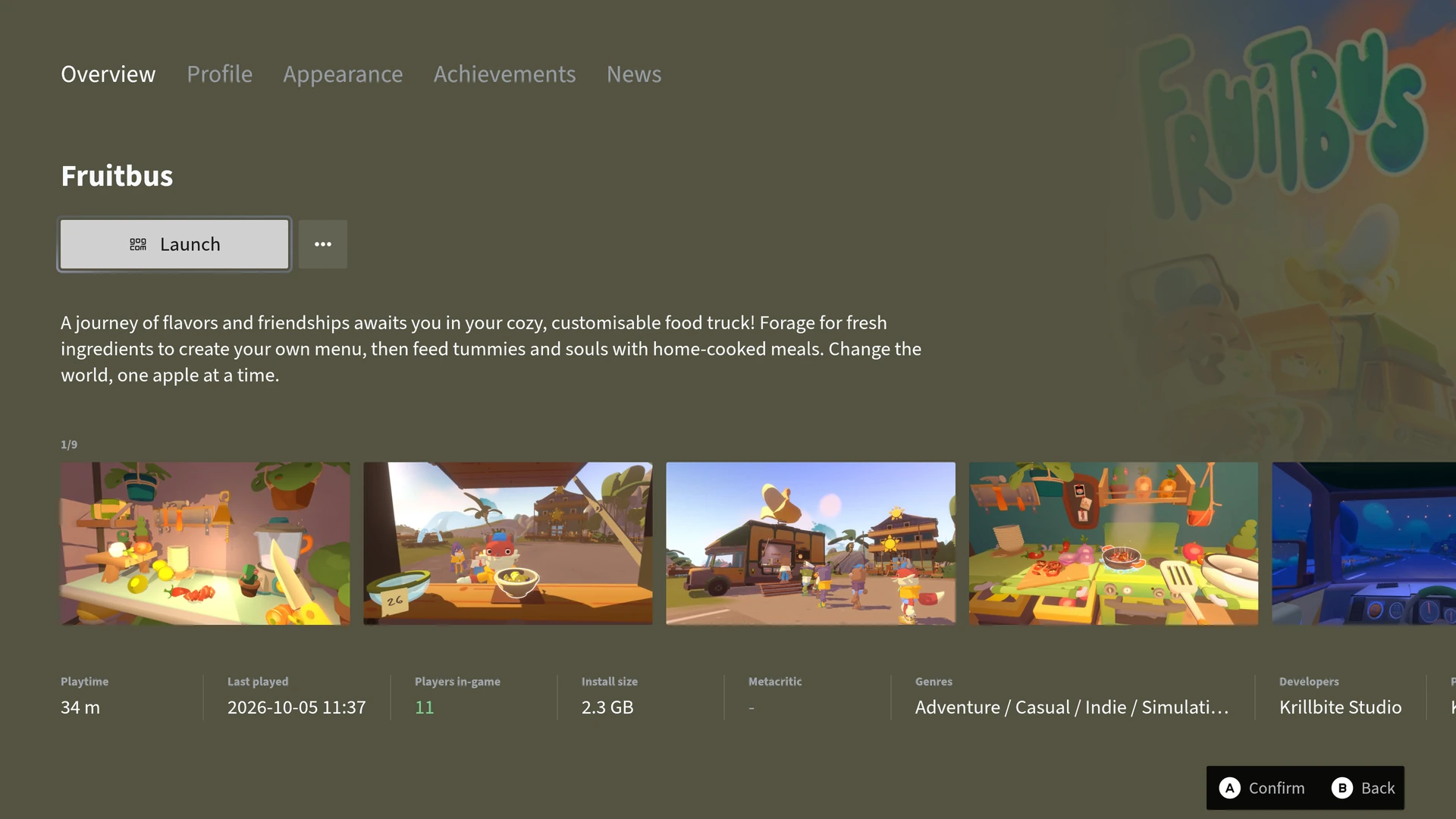
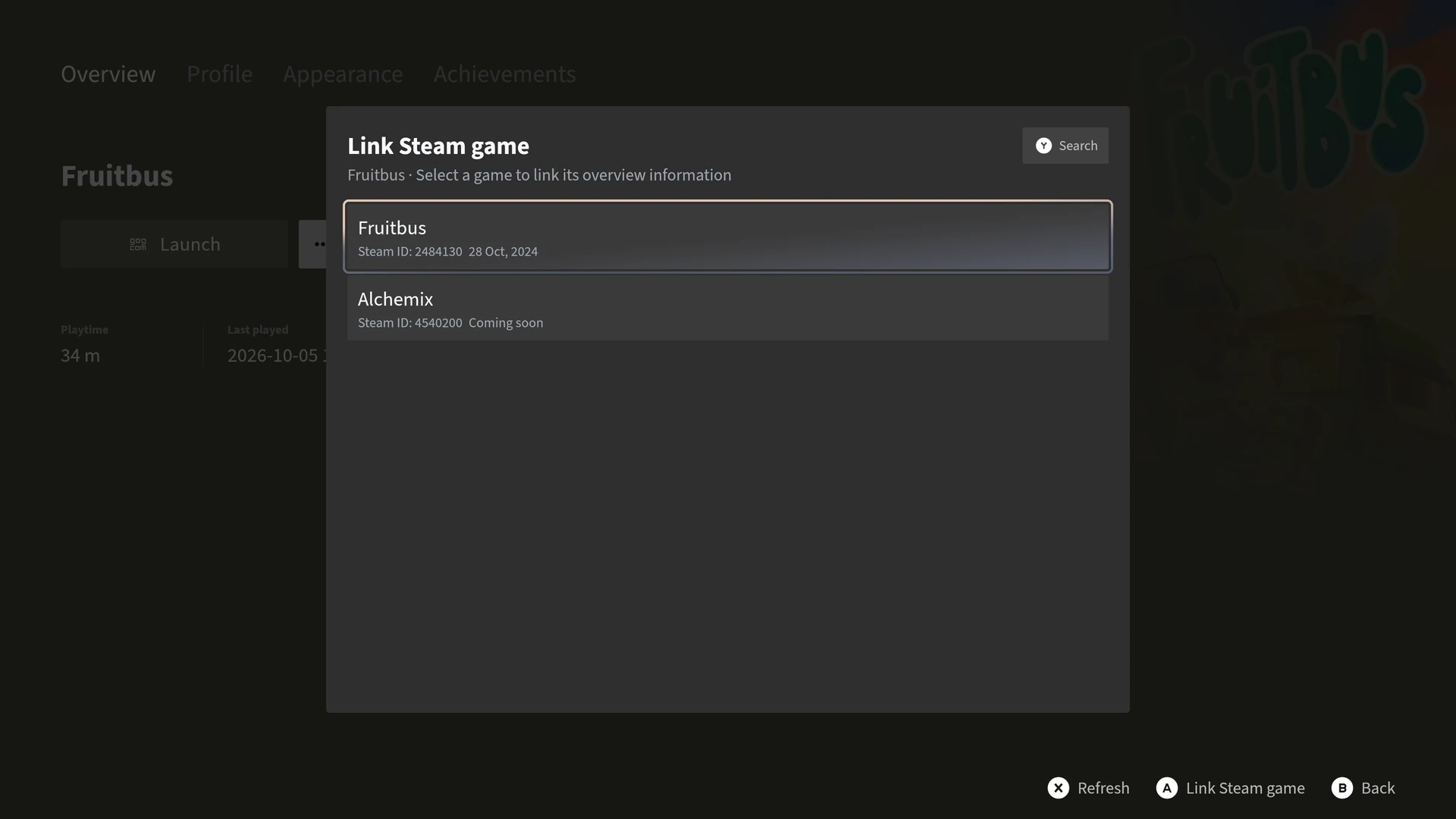
Link a game from another platform or a manually added program to its Steam title to bring Steam overview information and news into its details page.
## When Ammonis adds the most value
Ammonis is most useful when your games span several stores and you want their launch settings in one place.
## Questions, answered.
### Can I use Ammonis alongside Steam Big Picture?
Yes. Ammonis runs alongside Steam, so you can switch between the two whenever you like.
### Does Ammonis support non-Steam games?
Yes. Ammonis detects installed games from Steam, Epic, XBOX, Ubisoft, GOG, and more.
### Does Ammonis replace Steam?
No. Steam still installs, updates, and runs your Steam games. Ammonis gives those games a shared home alongside the rest of your PC library.
### Can I add games and tools from outside these stores?
Yes. Add programs from the installed-program list or your own folders. The free version supports up to 20 manual additions; Premium removes that limit. Removed programs stay in a history list where you can restore them within your current limit or permanently delete their library records.
## The right setup for the way you play.
- [DLSS versions & presets](https://ammonis.top/dlss-swapper/index.md)
- [Comparing Ammonis and Playnite](https://ammonis.top/playnite-alternative/index.md)
- [For living-room PCs](https://ammonis.top/living-room-pc-game-launcher/index.md)
- [Per-game settings](https://ammonis.top/lossless-scaling-rtss-profiles/index.md)
- [XBOX mode support](https://ammonis.top/xbox-full-screen-experience/index.md)