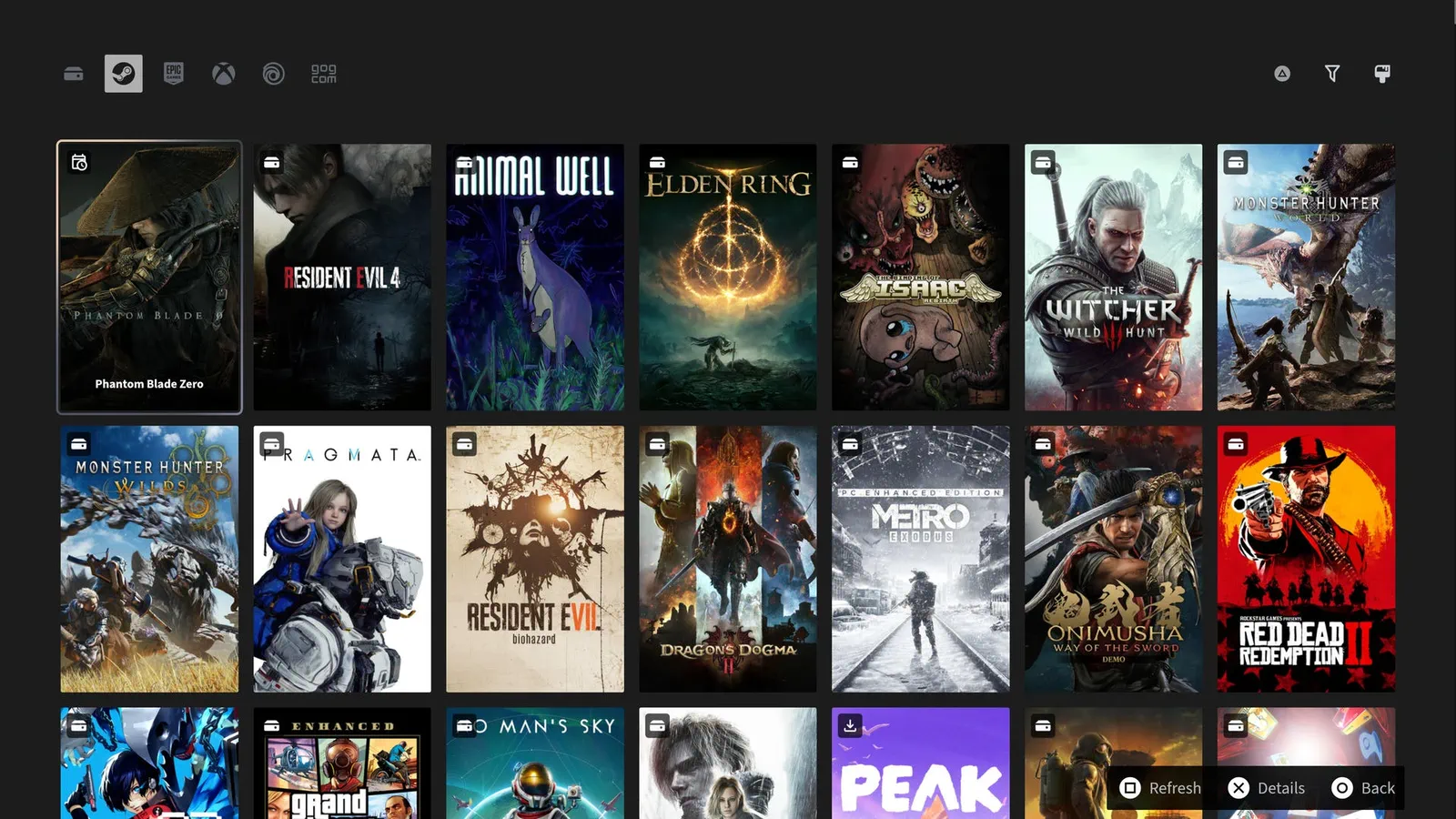
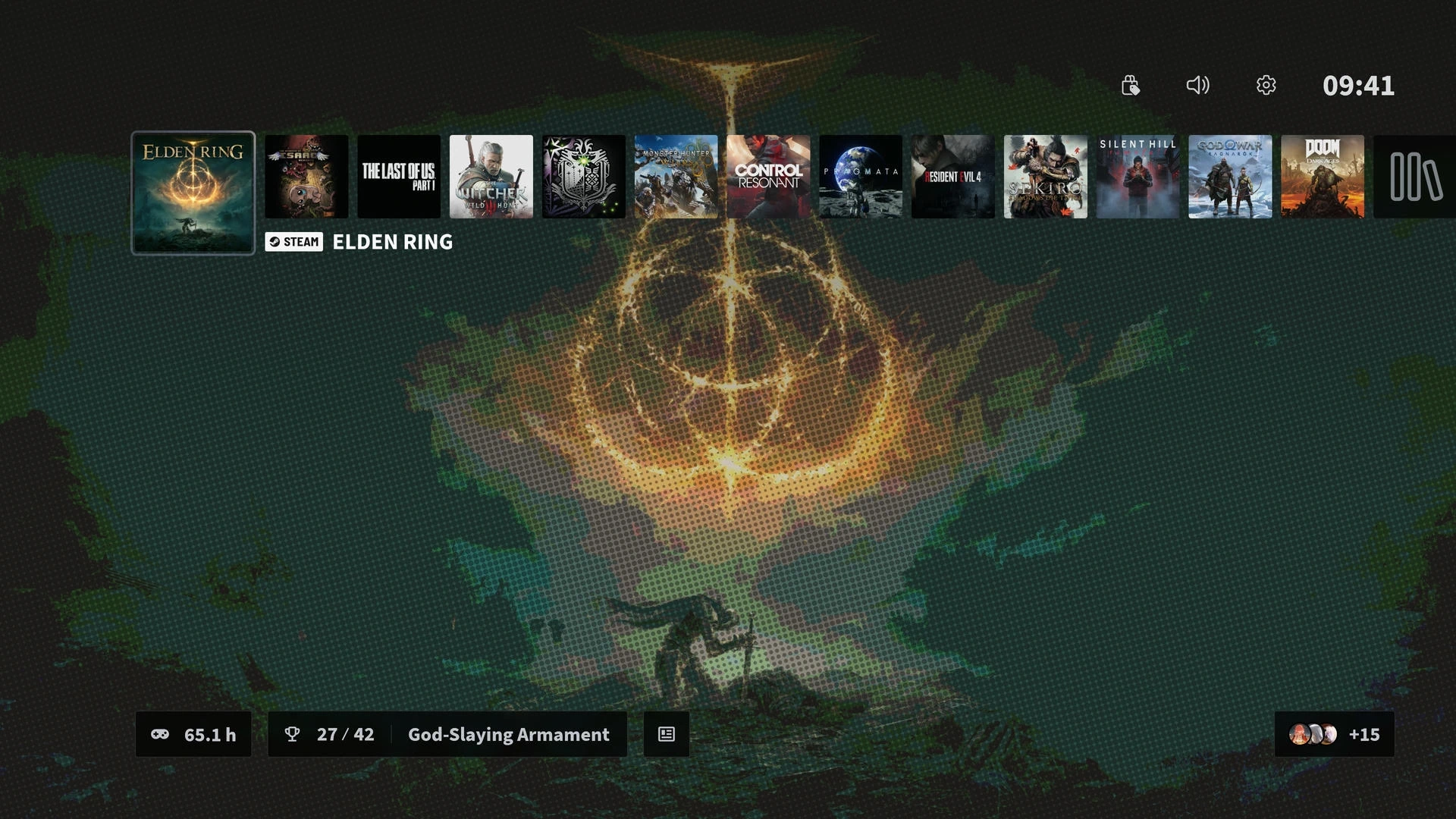
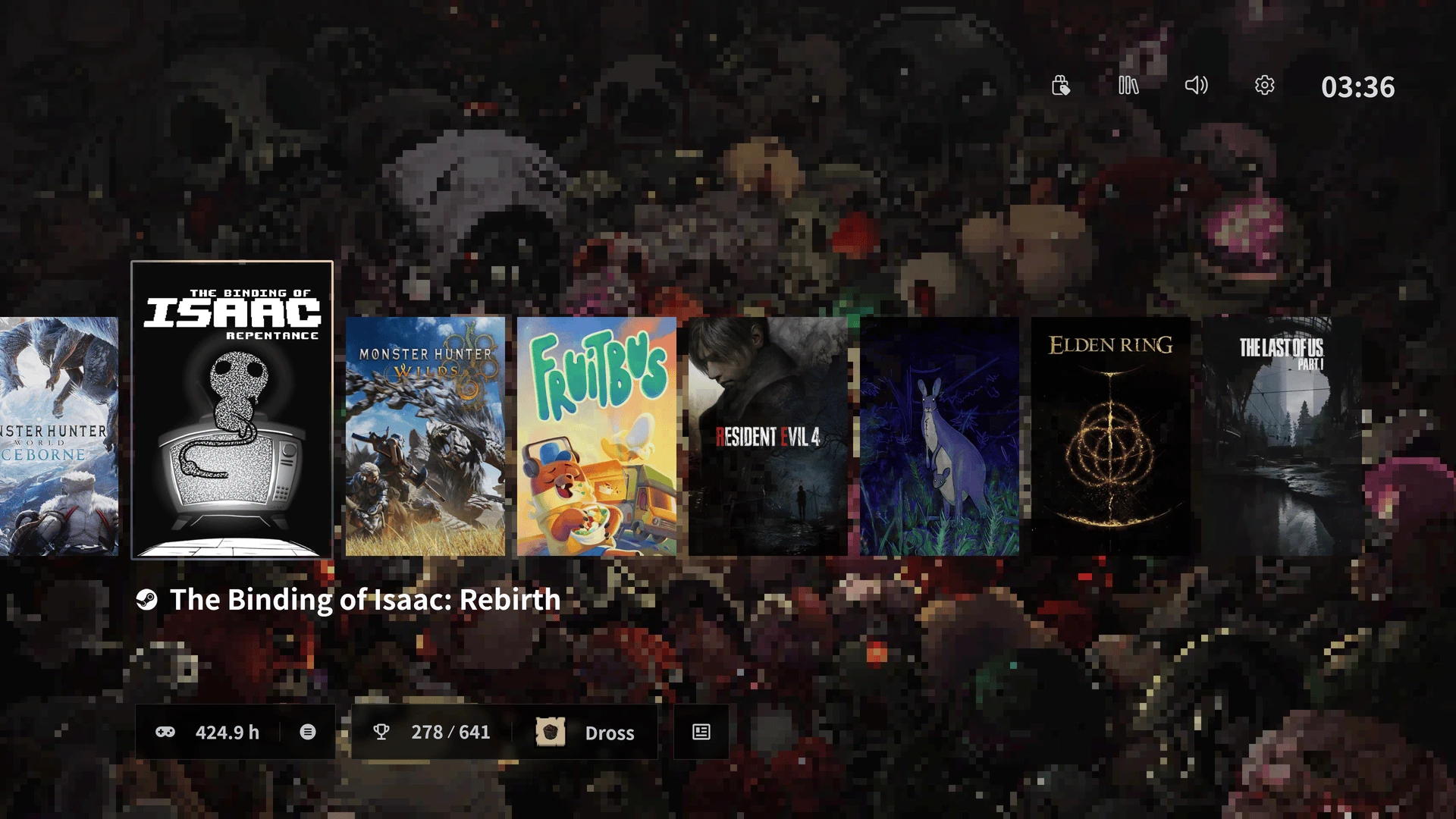
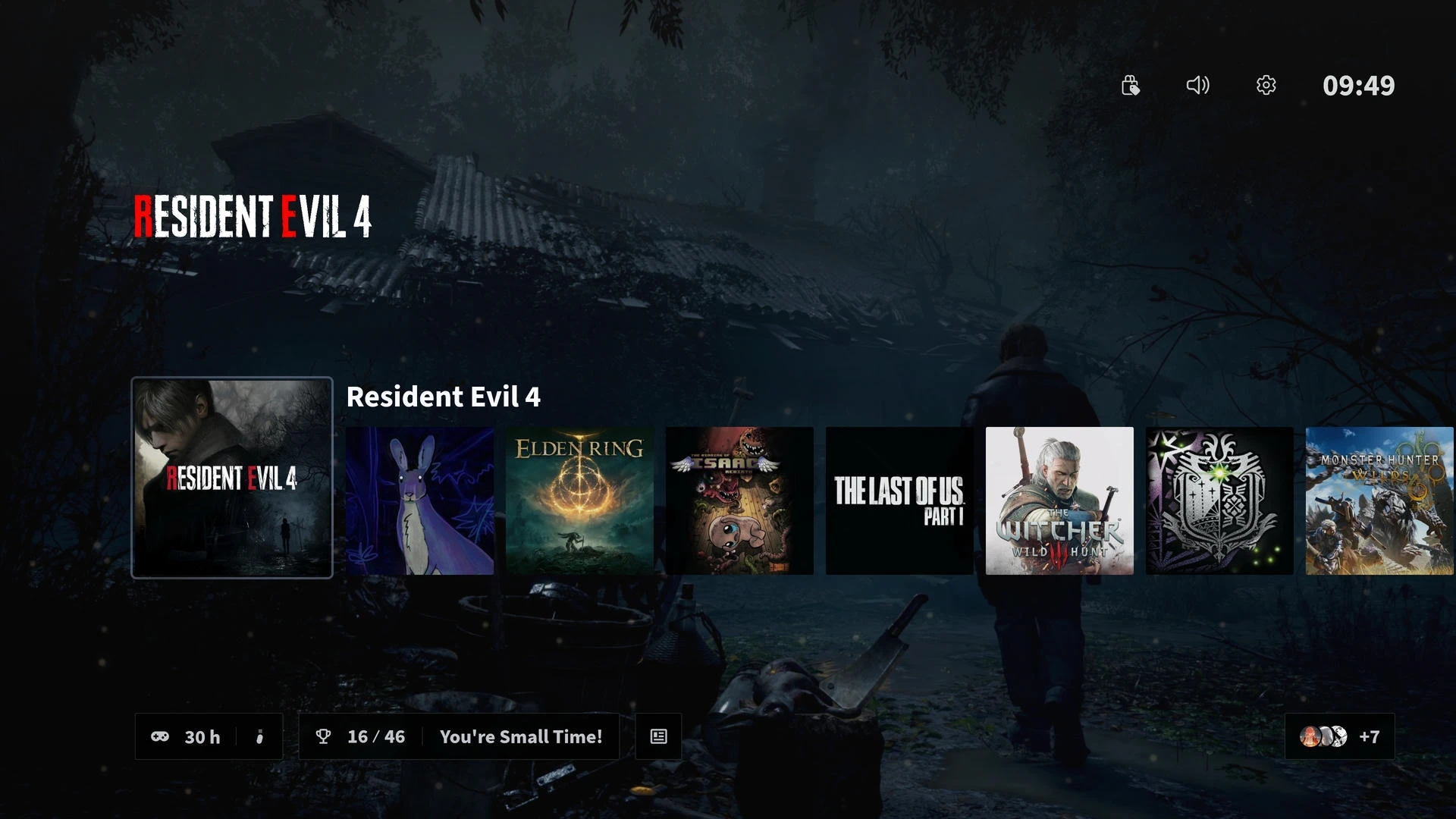
All launchers in one
- Steam
- Epic
- XBOX
- Ubisoft
- GOG
- Manually added
Steam / Epic / XBOX / Ubisoft / GOG / Manually added
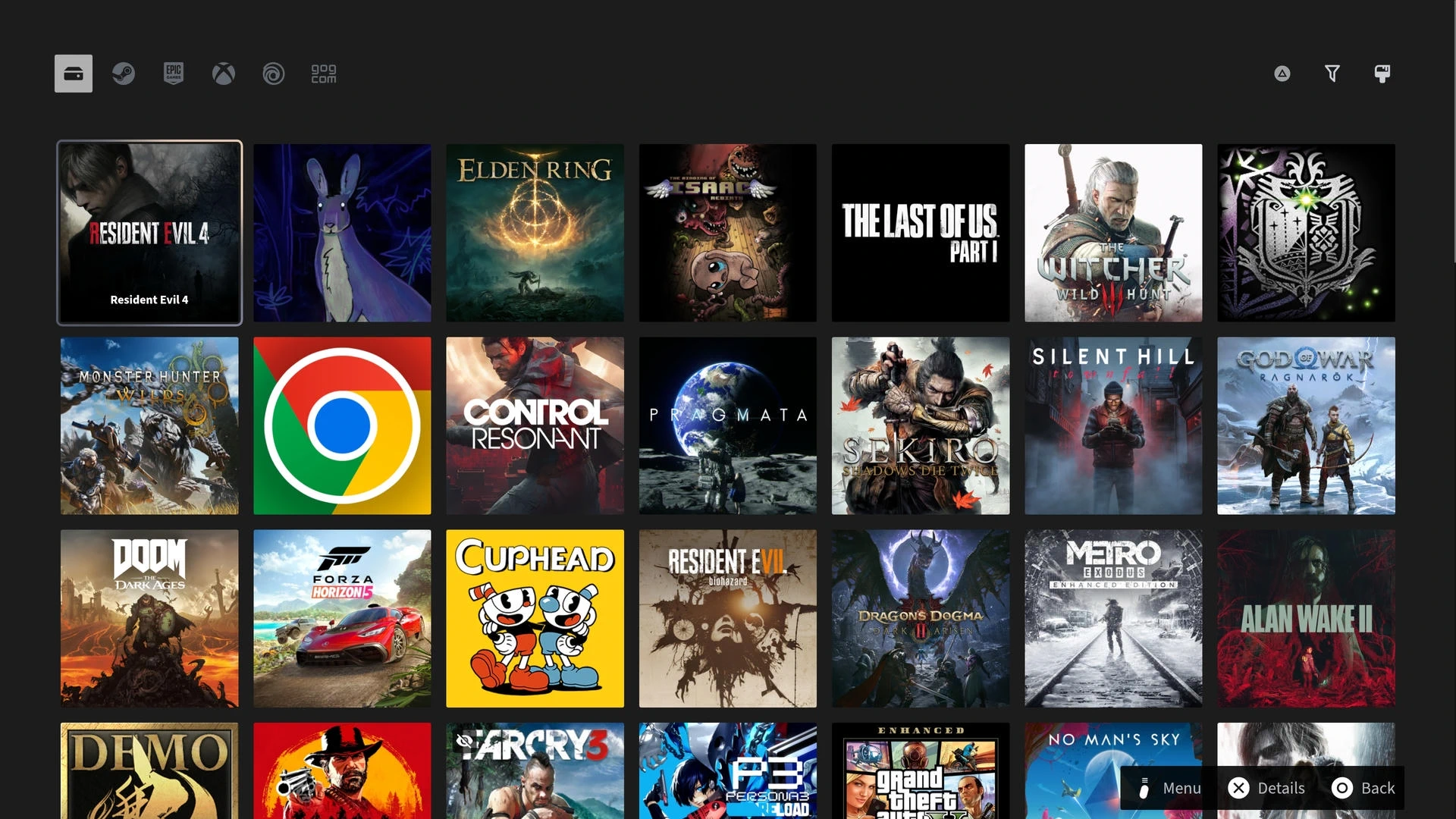
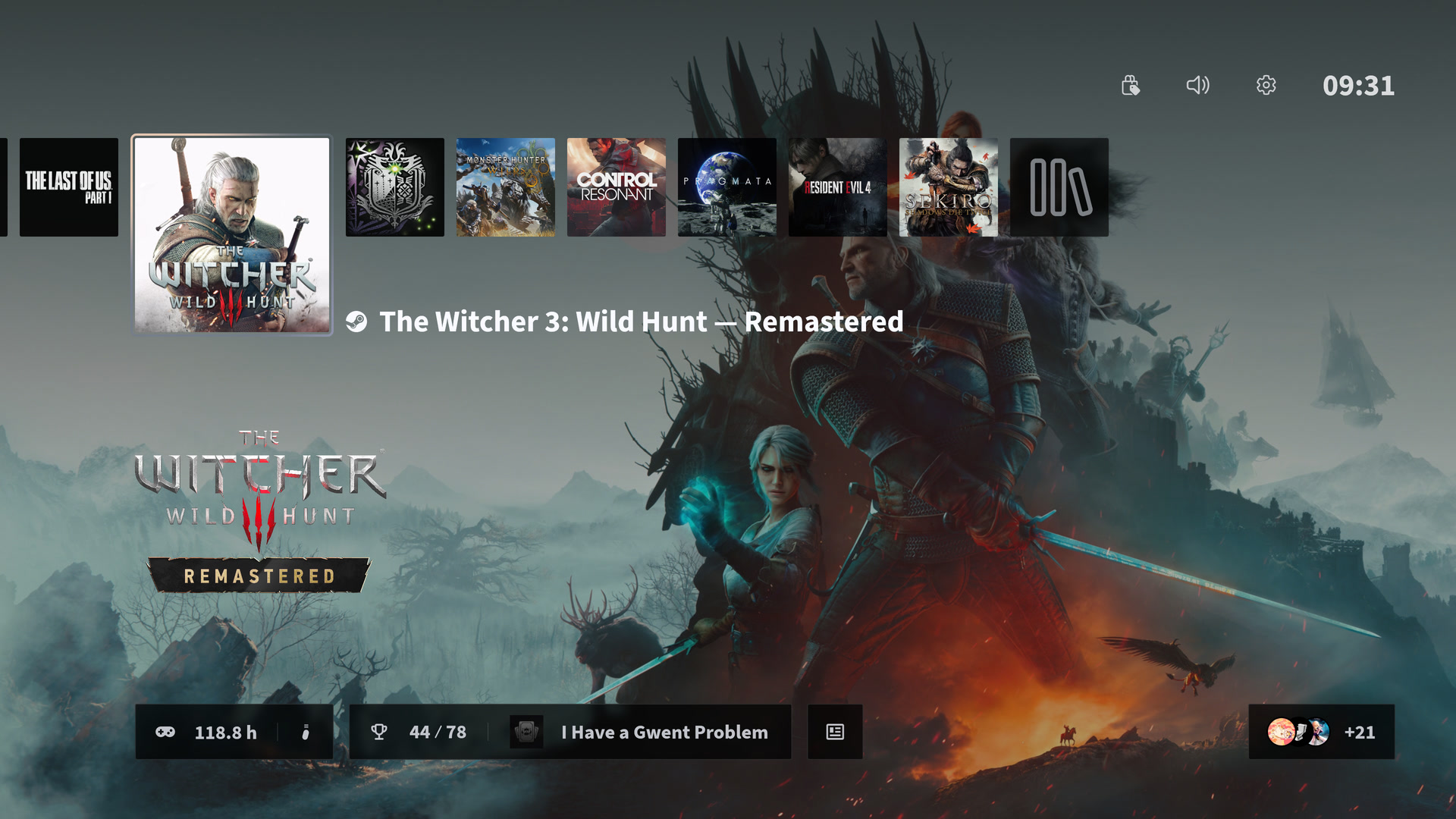
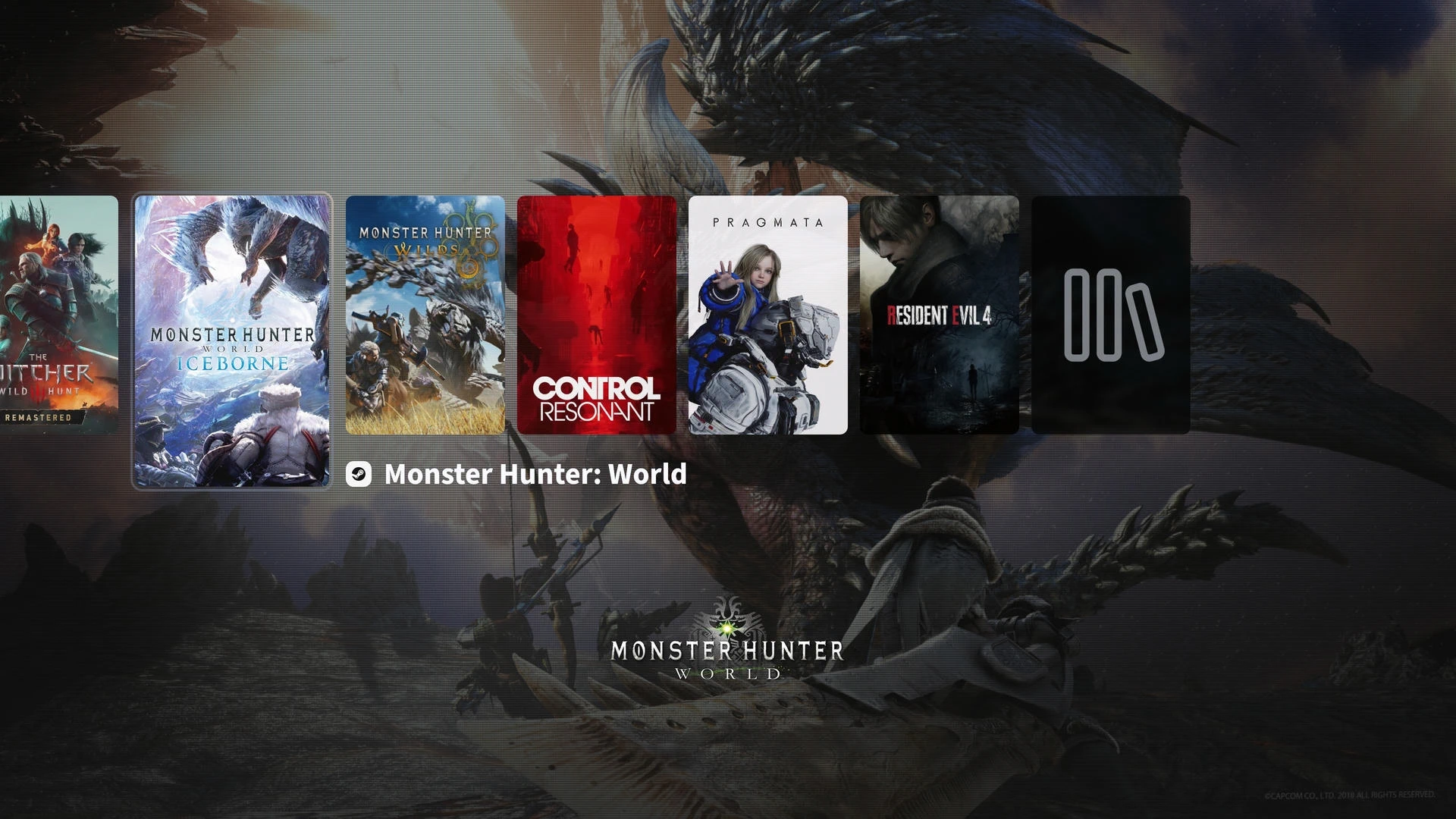
Your games, together.
Steam / Epic / XBOX / Ubisoft / GOG / Manually added
Browse all your games, installed or not.
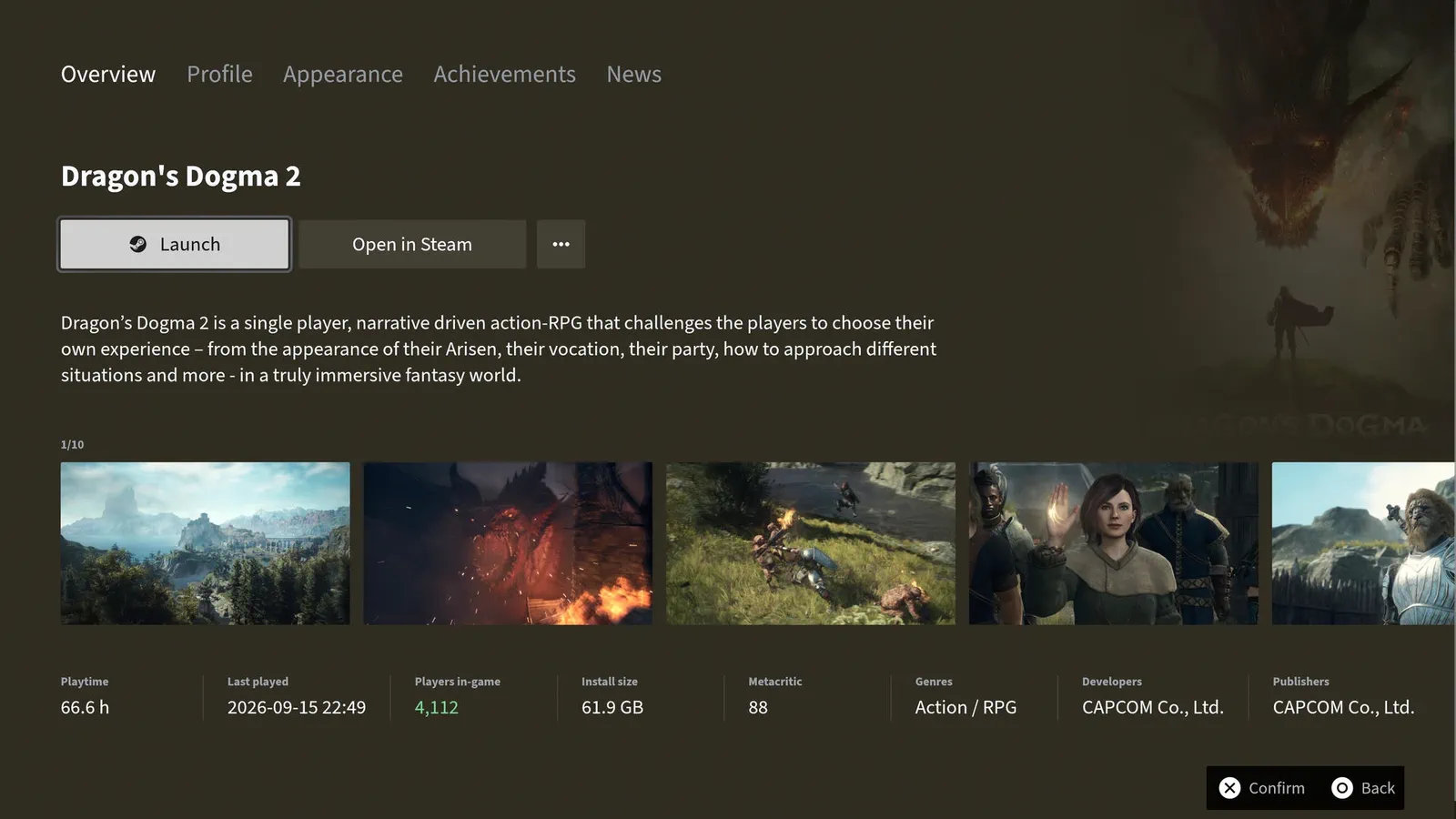
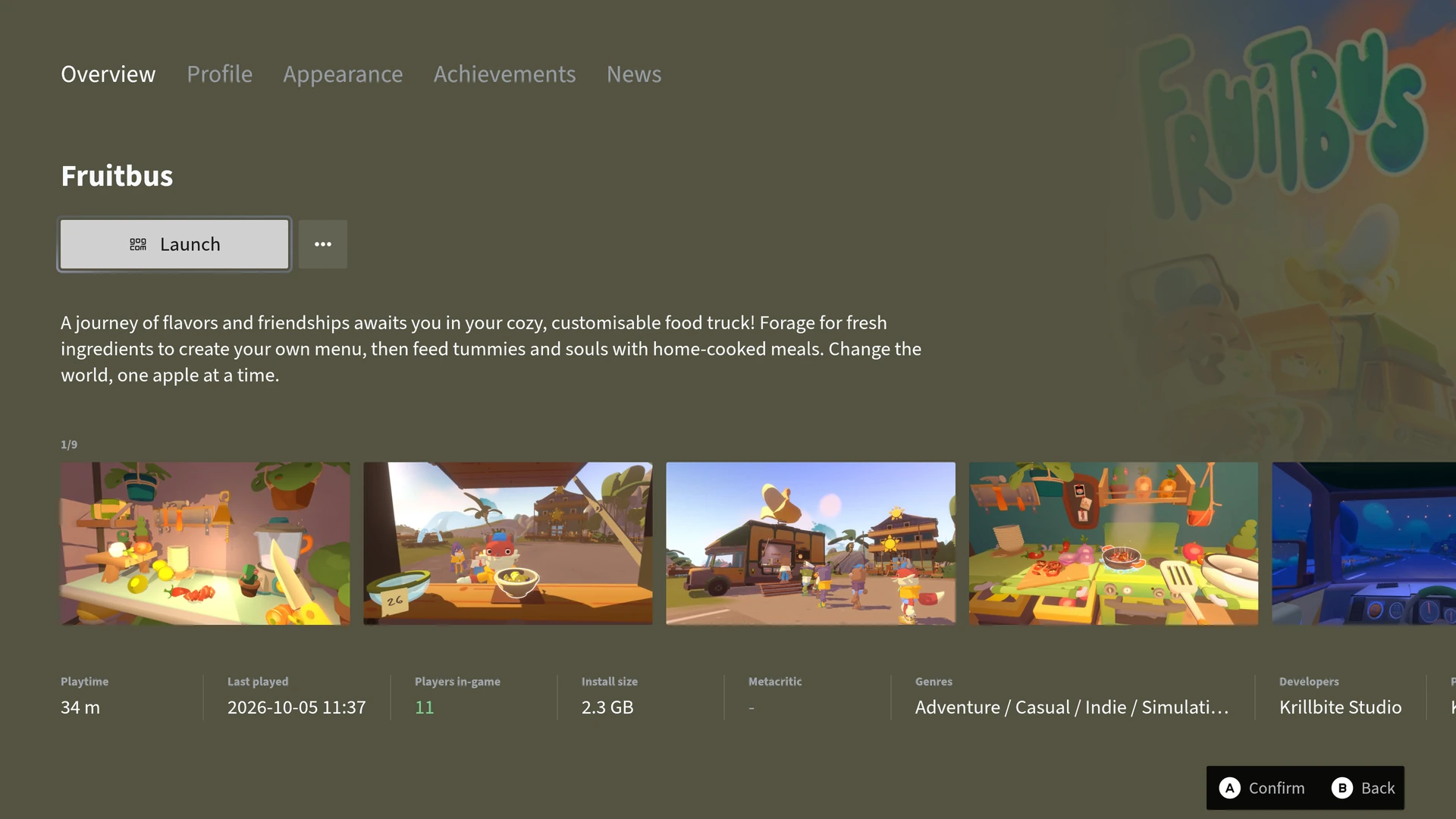
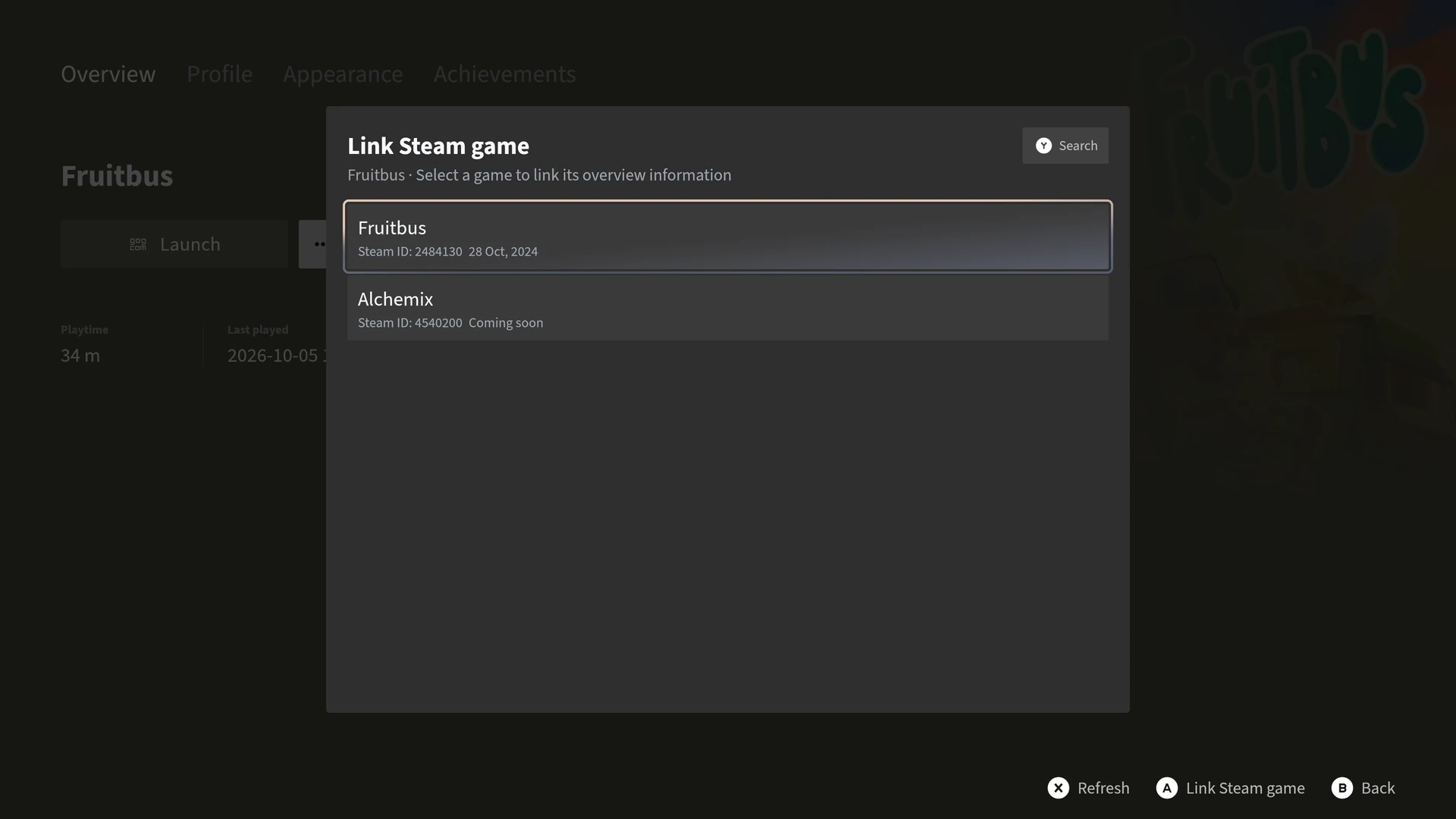
Game details and media. Link games to Steam for overviews.
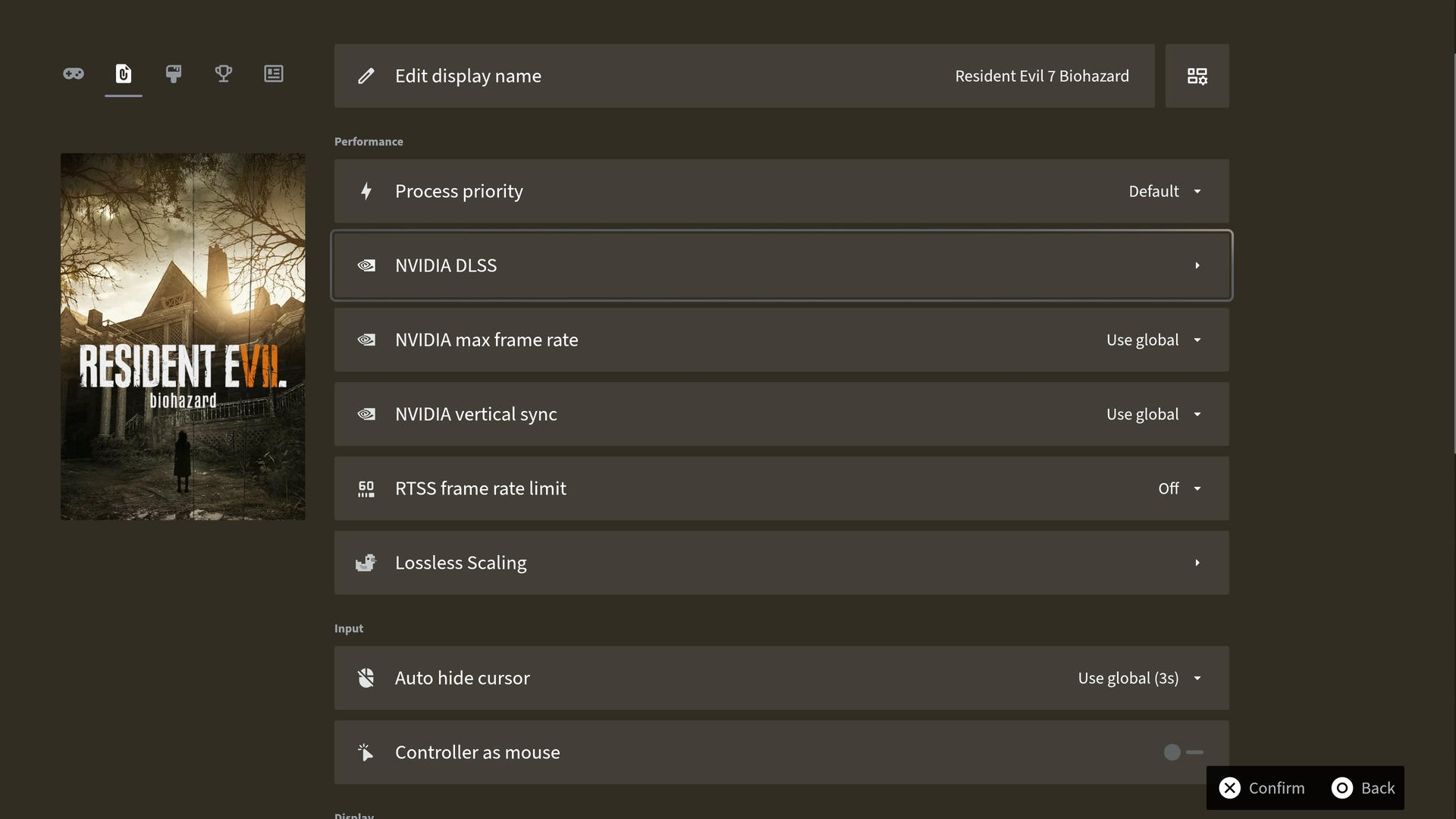
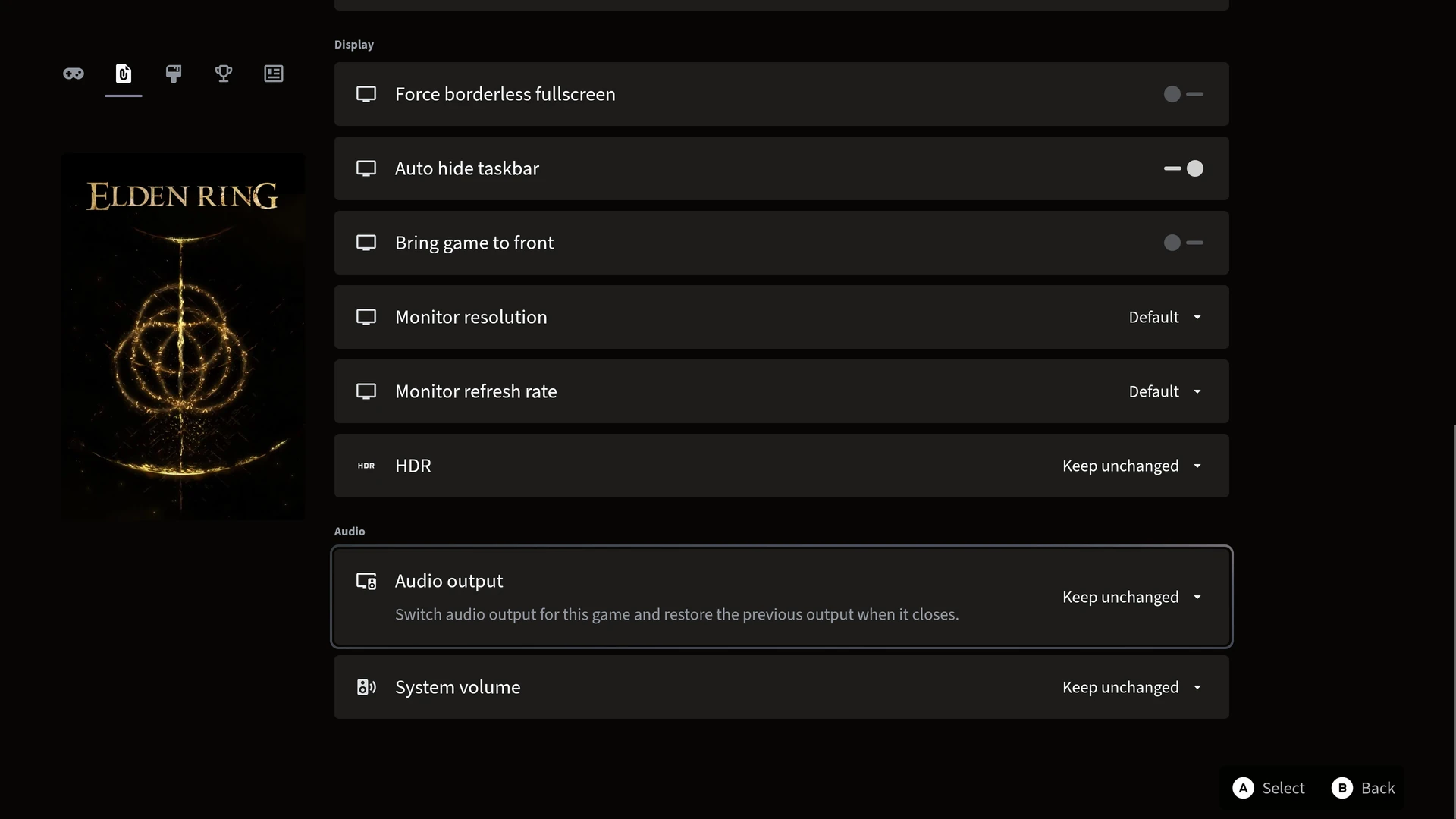
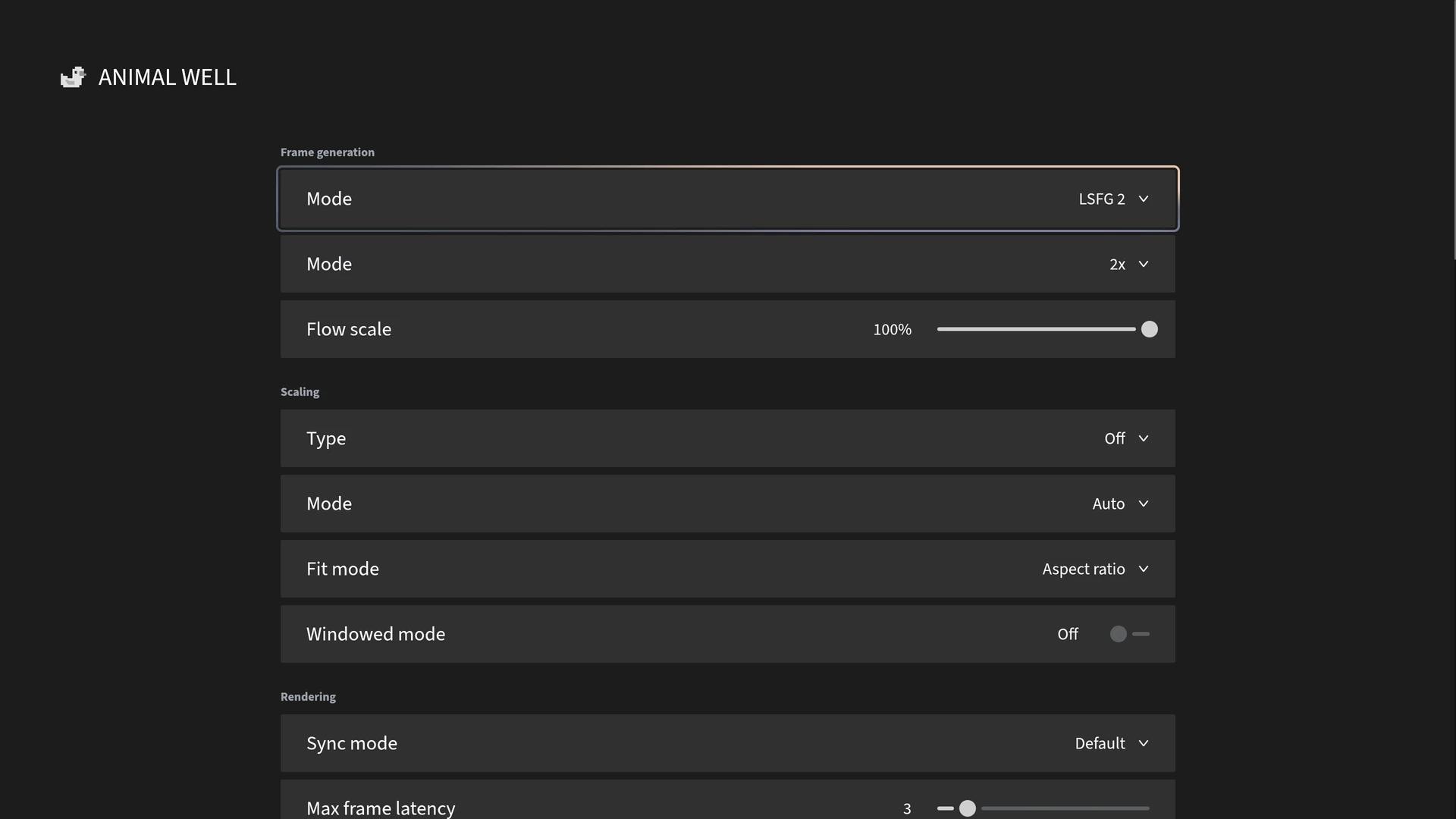
Display / HDR / Audio output / Volume / NVIDIA DLSS / V-Sync / RTSS frame limits / Lossless Scaling
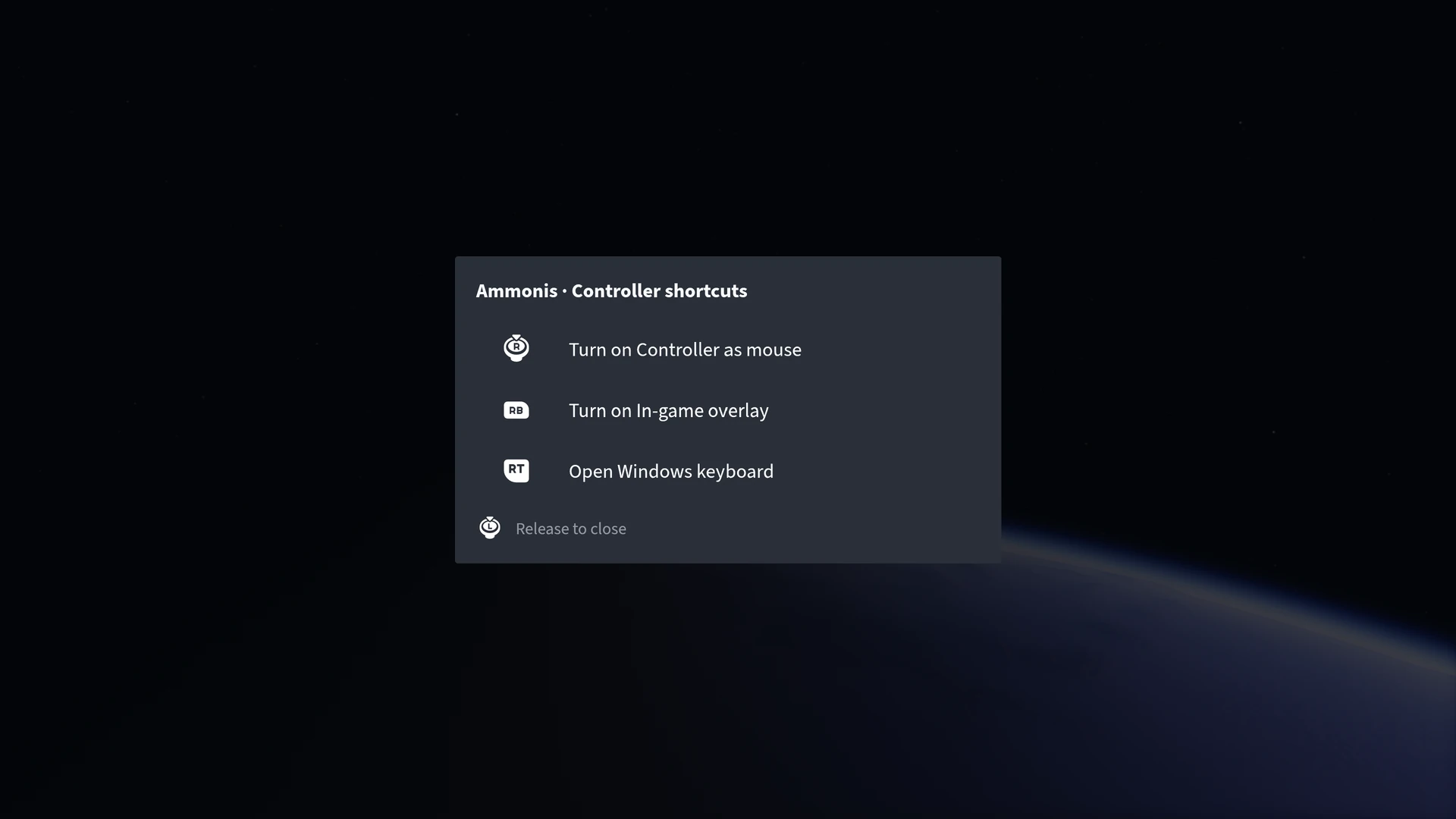
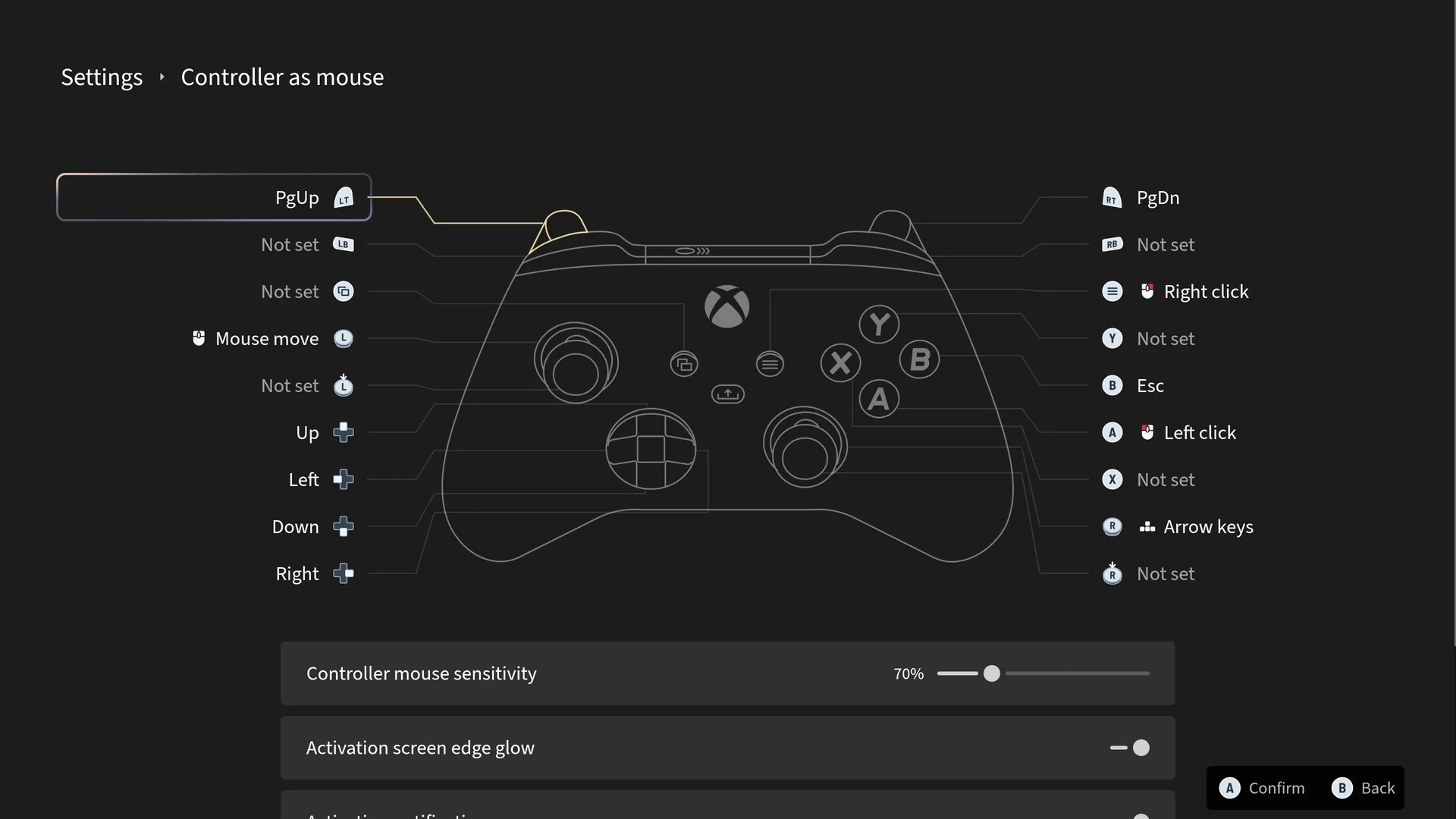
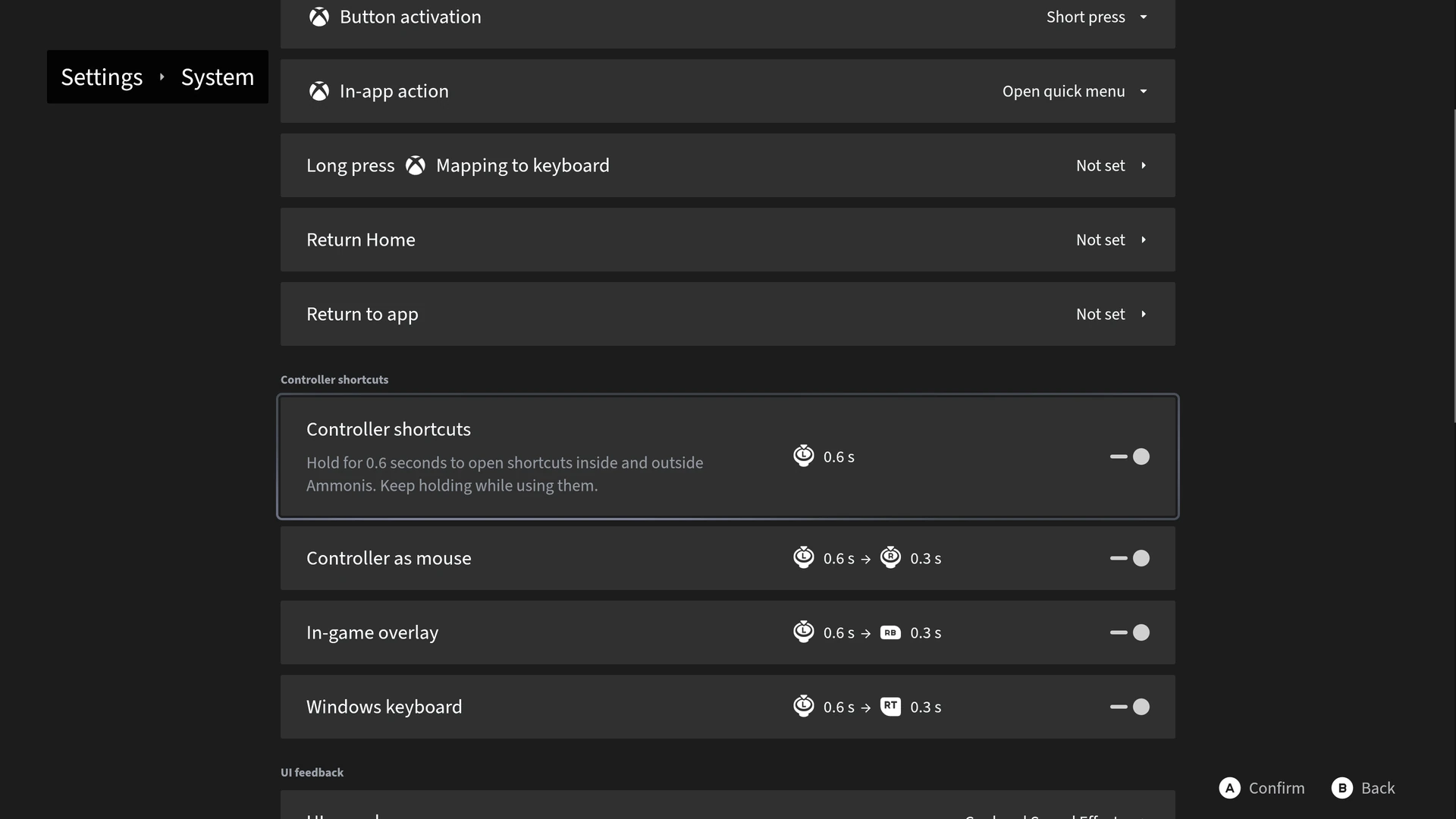
Gamepad shortcuts for the overlay, mouse control, and Windows keyboard.
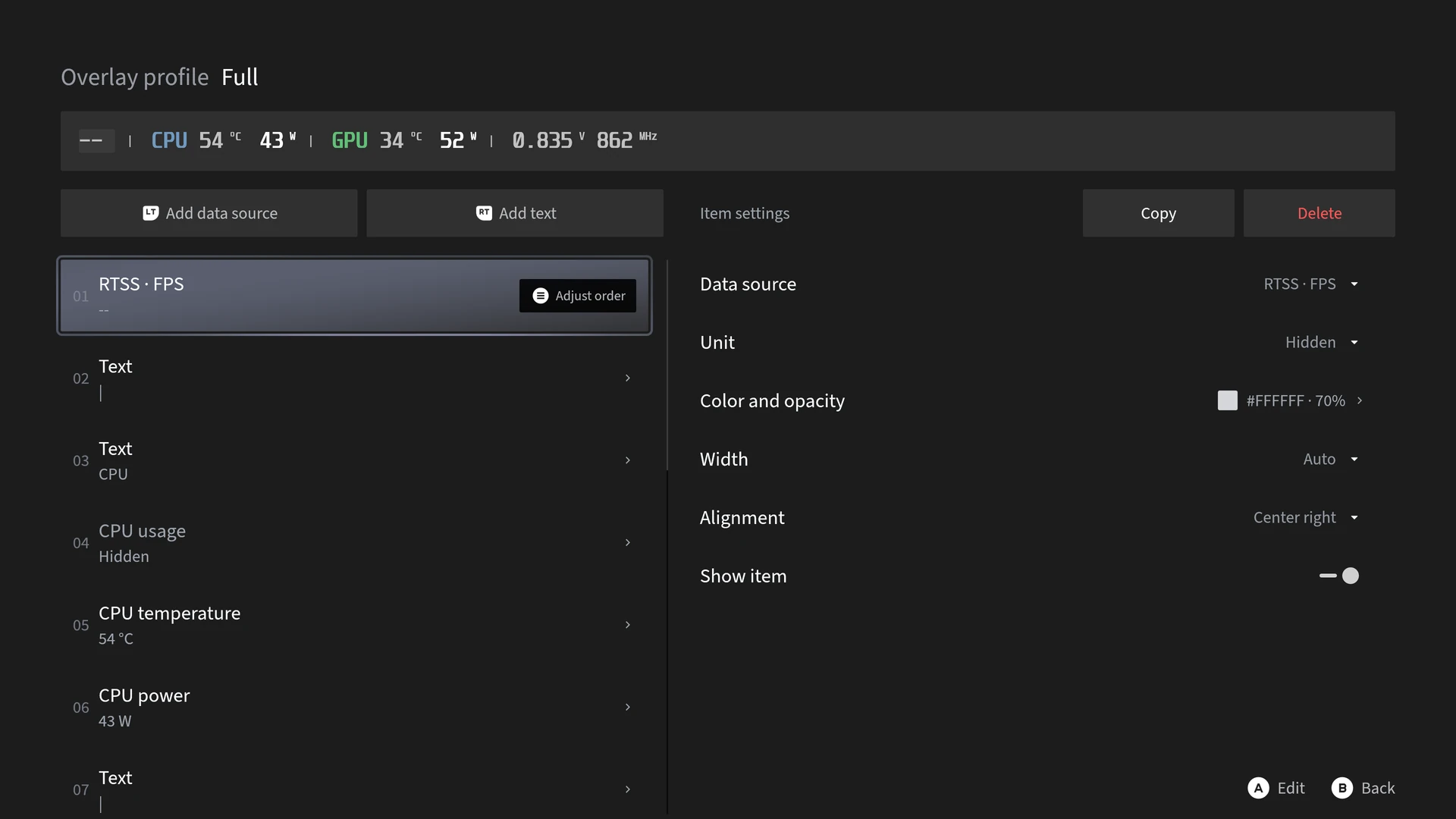
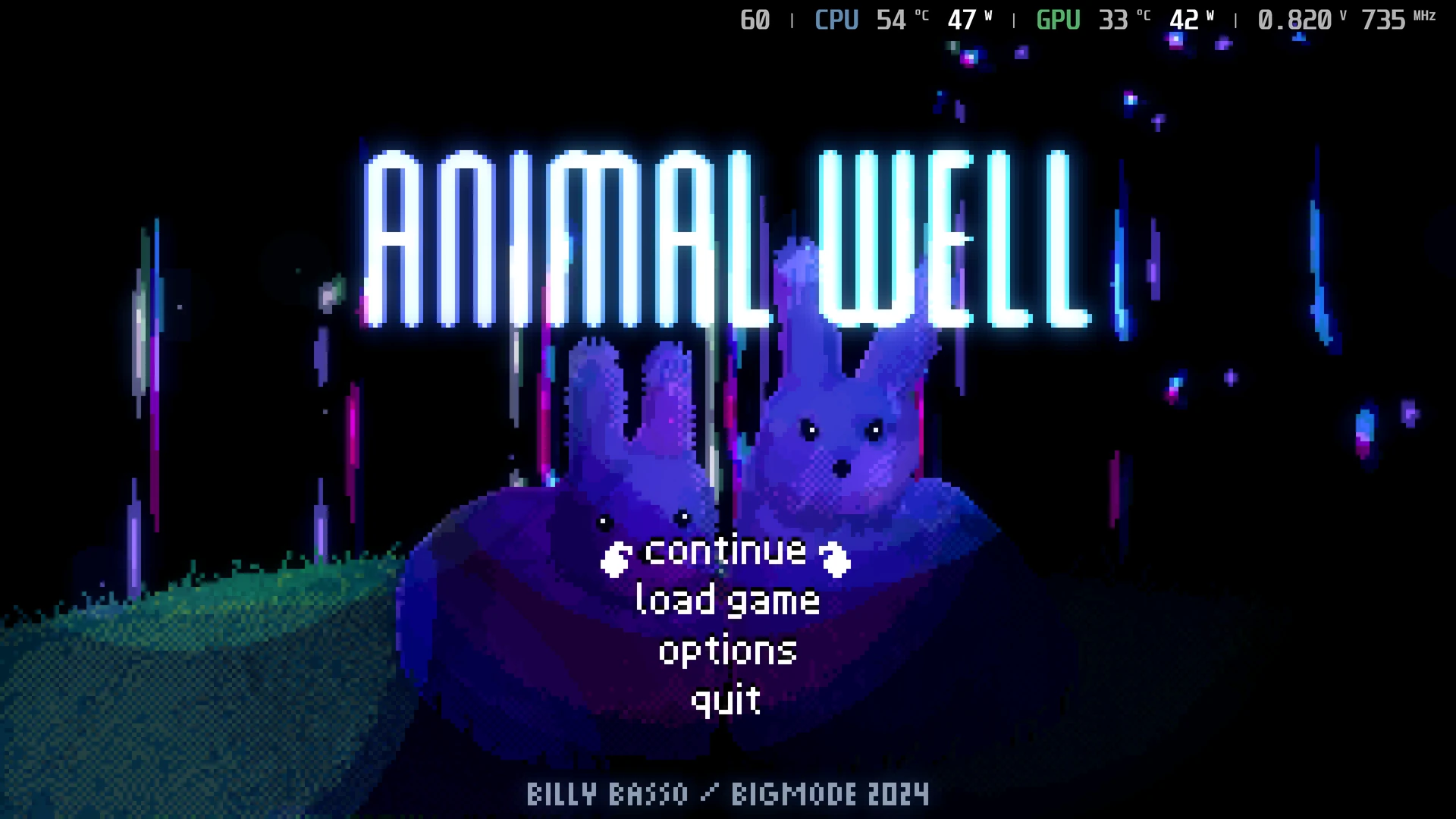
Customize performance data and styles with a live preview. Requires RTSS & MSI Afterburner.
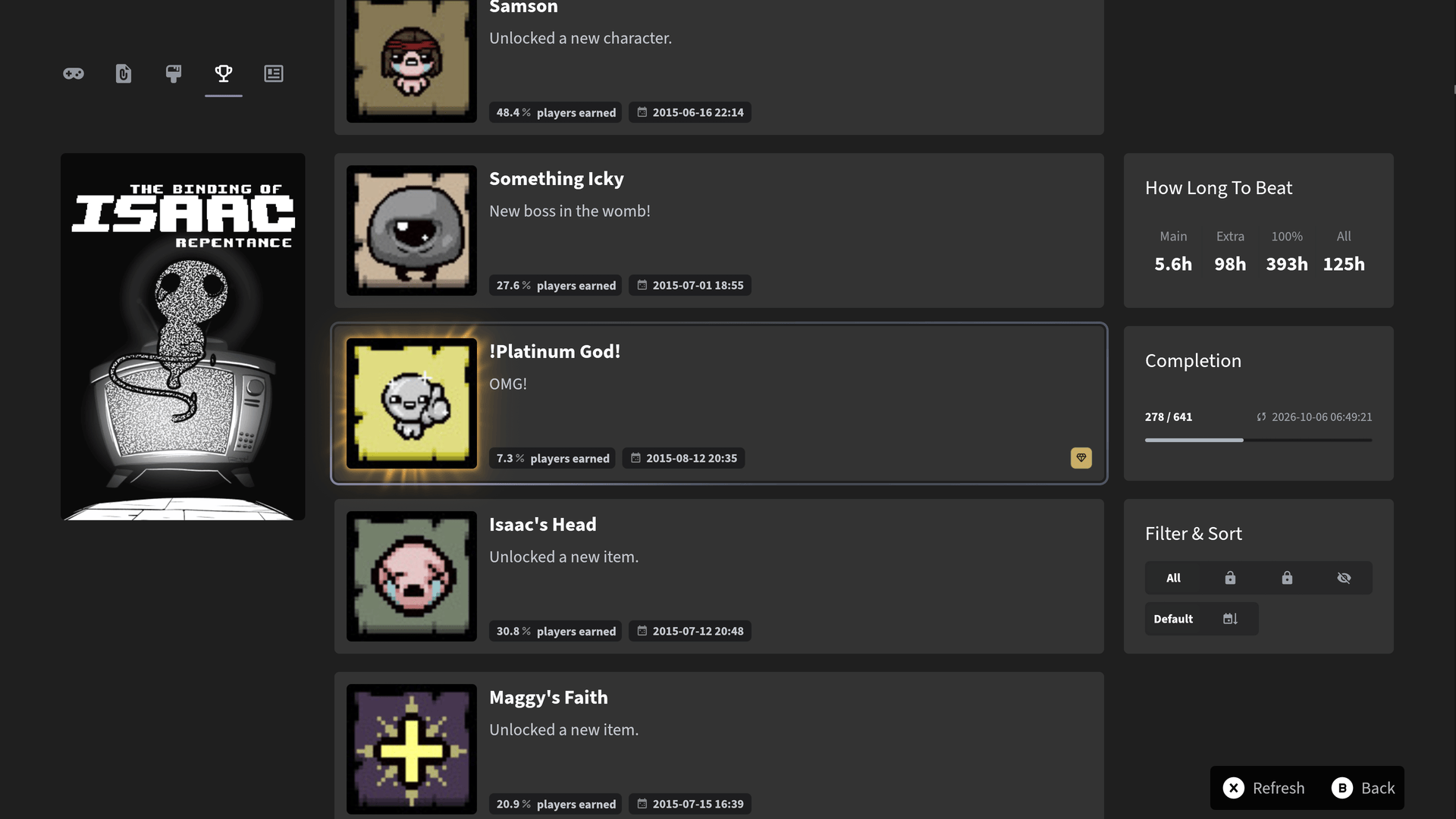
Browse Steam, XBOX, Epic, and GOG achievements with progress, rarity, and unlock dates.
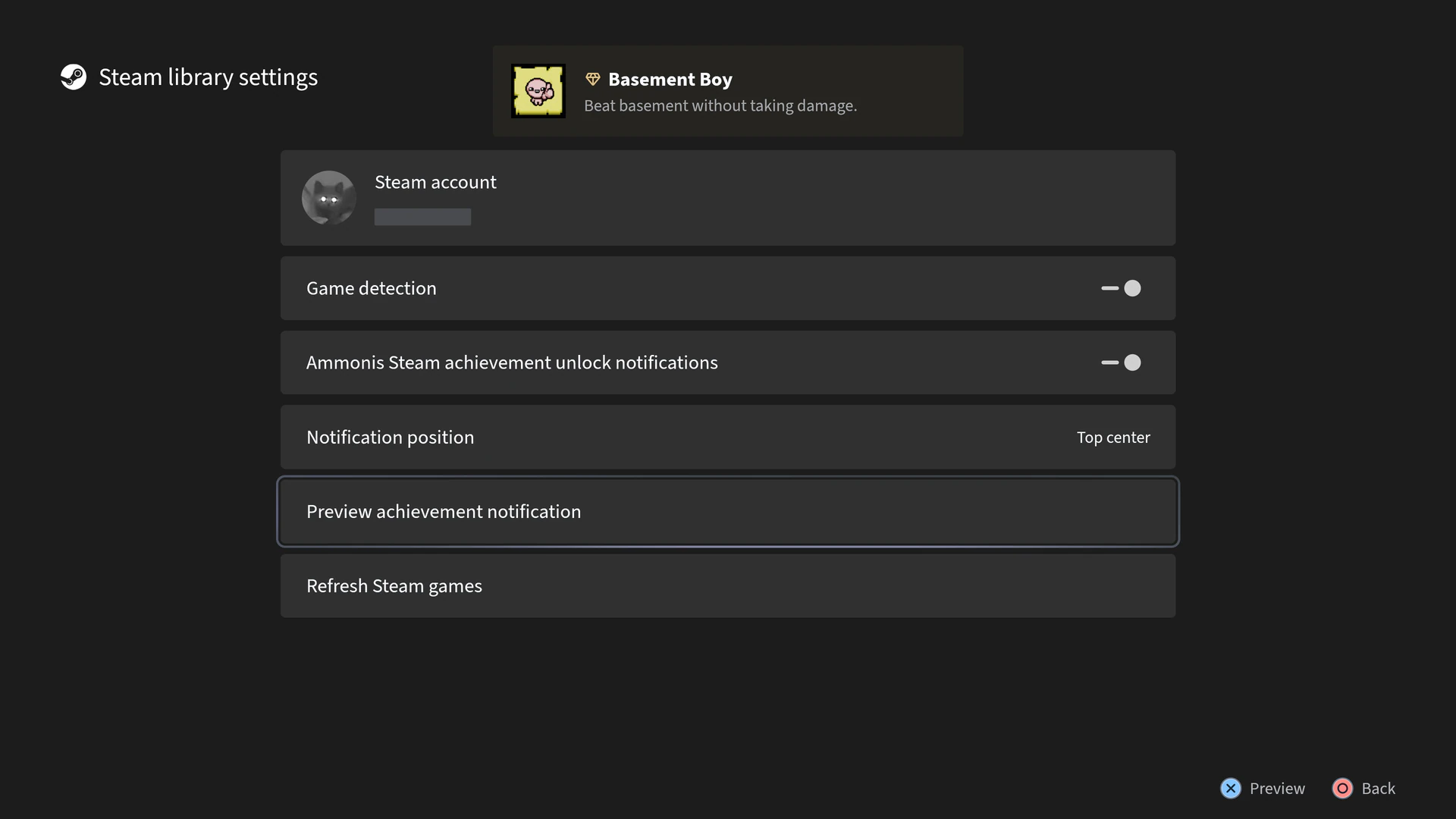
Animated unlock notifications for Steam and GOG, with previews and adjustable placement.
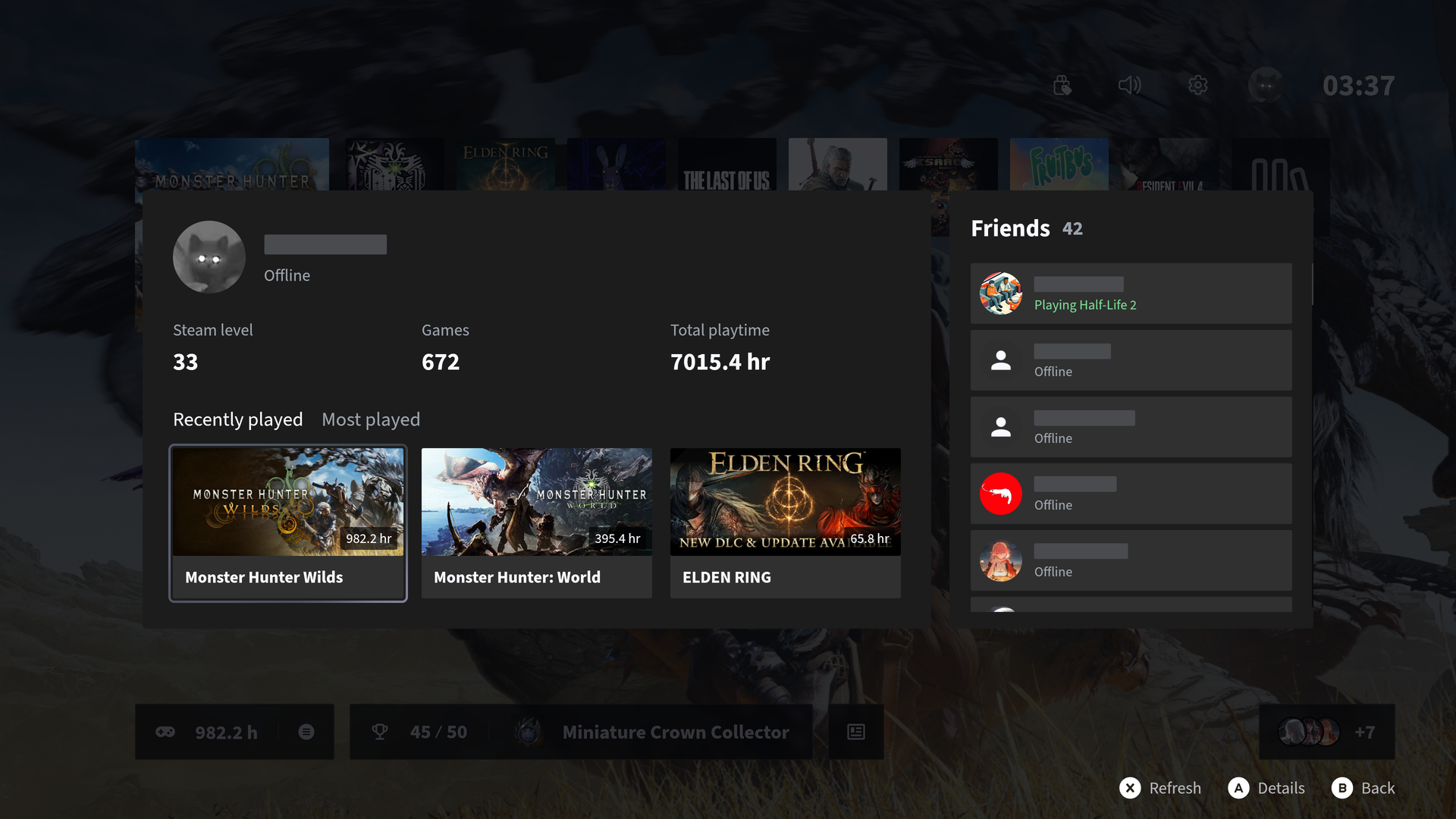
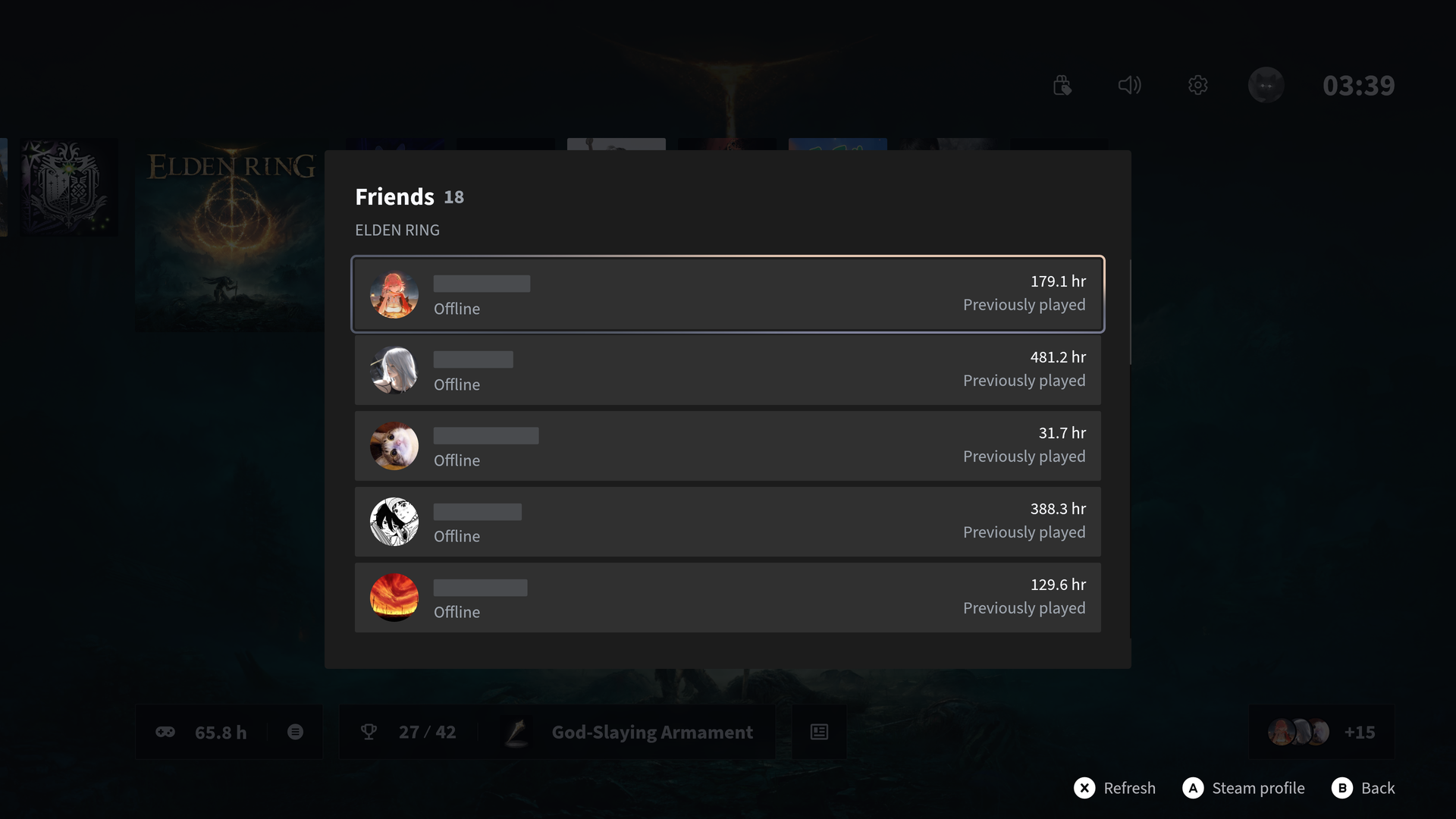
See what Steam friends are playing, browse profiles and recent games, and find friends who’ve played the same titles.
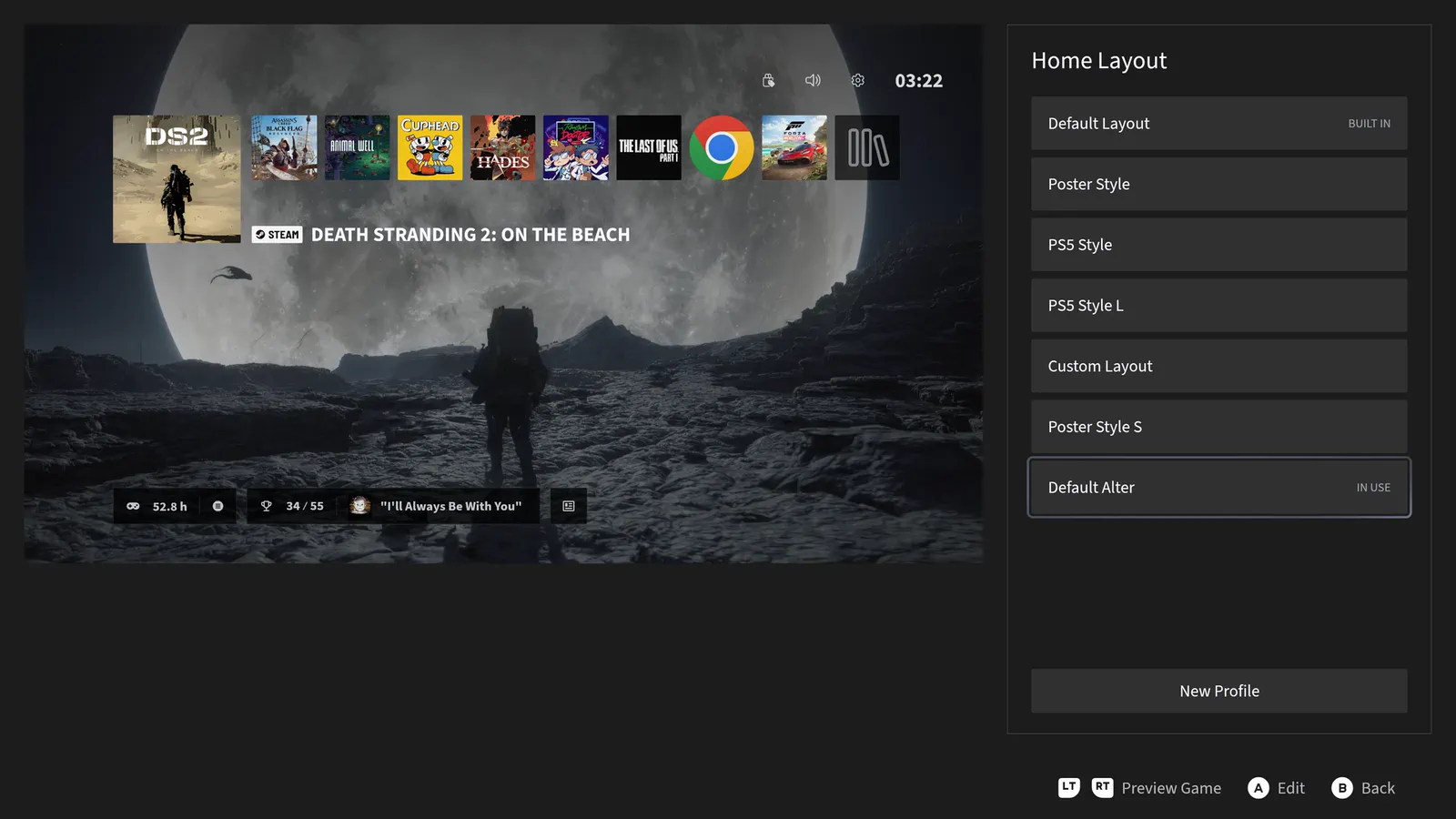
Customize built-in layouts with live previews. Adjust icons, posters, spacing, and positions. Personalize backgrounds and effects.
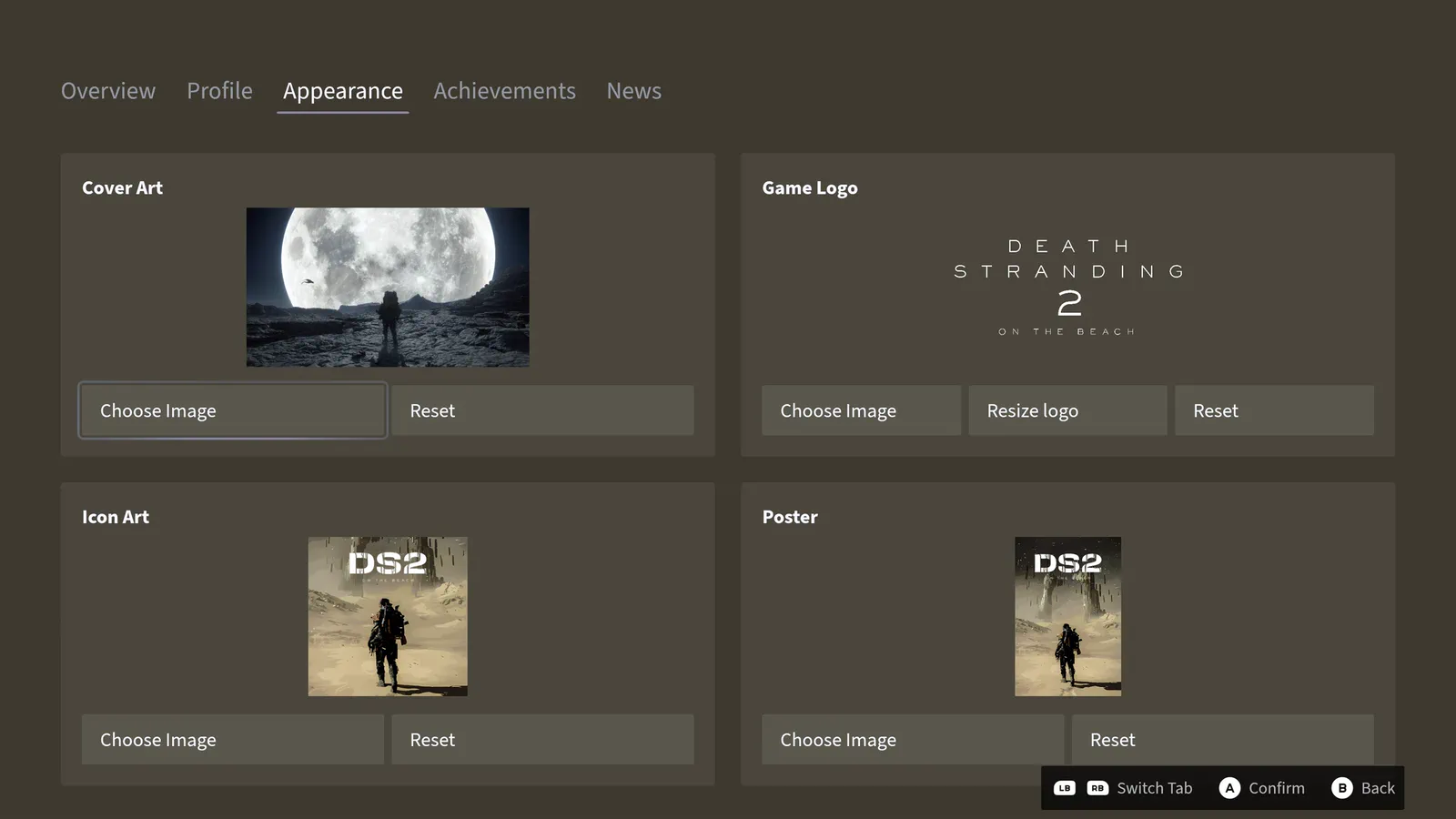
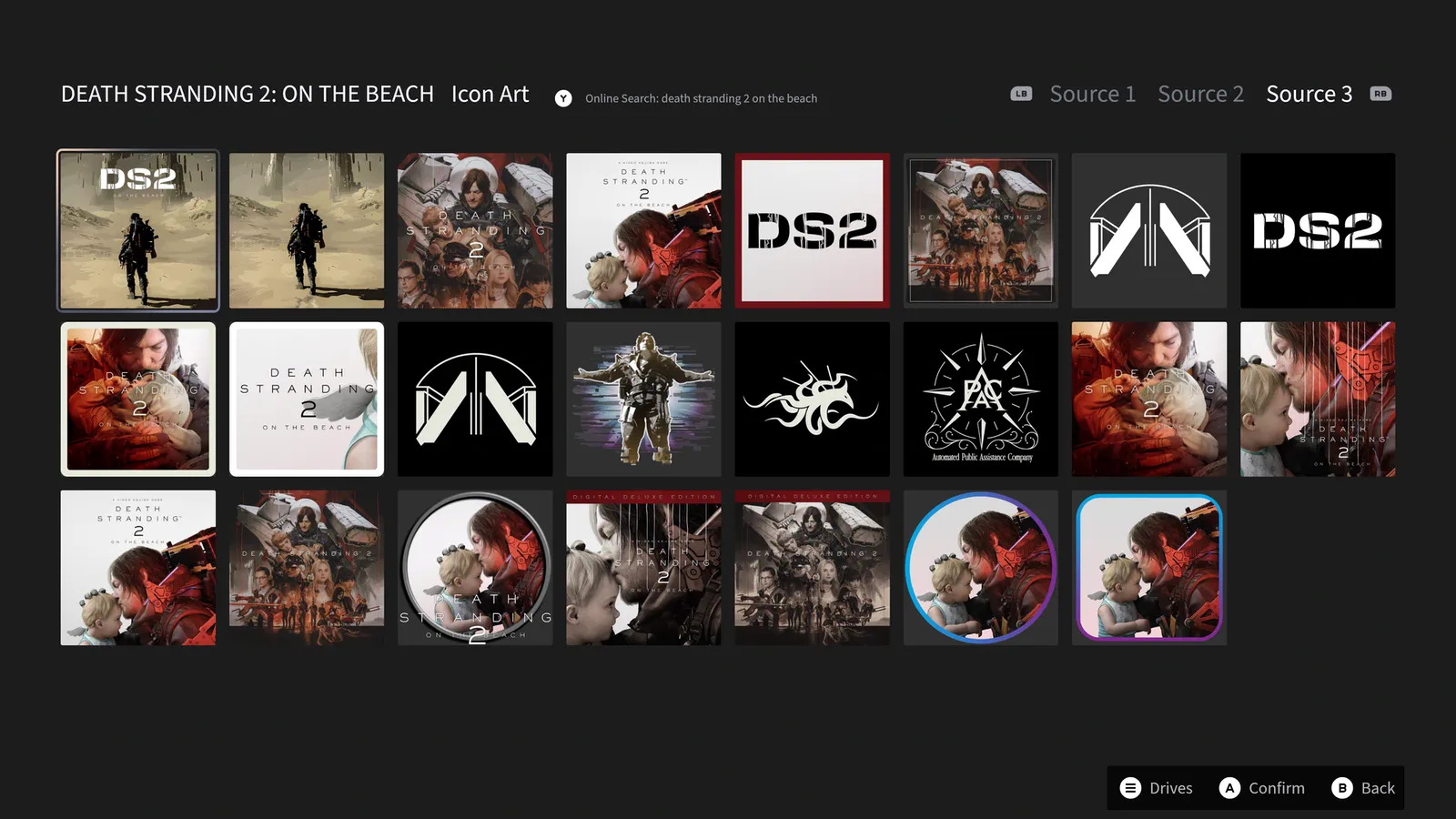
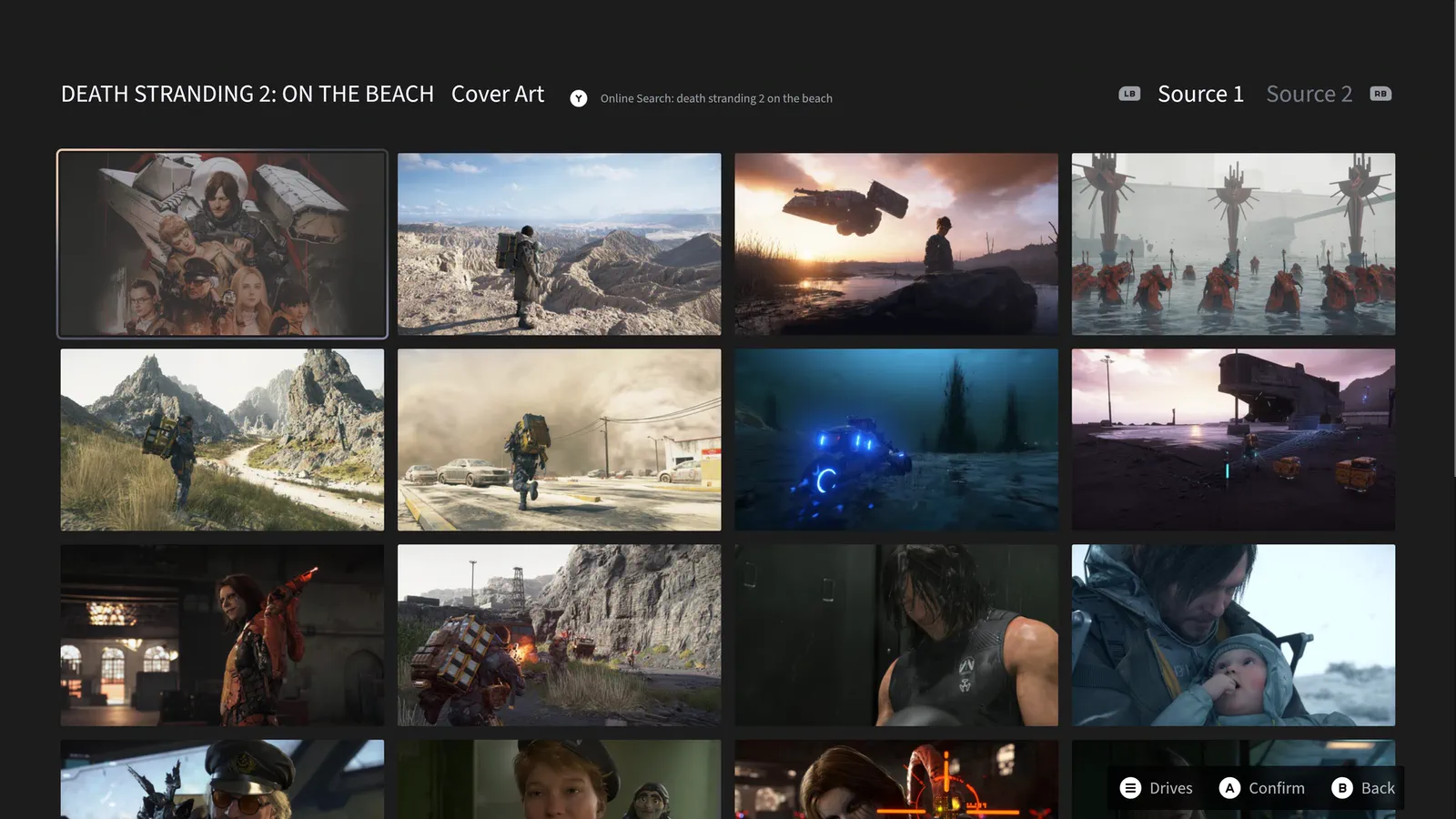
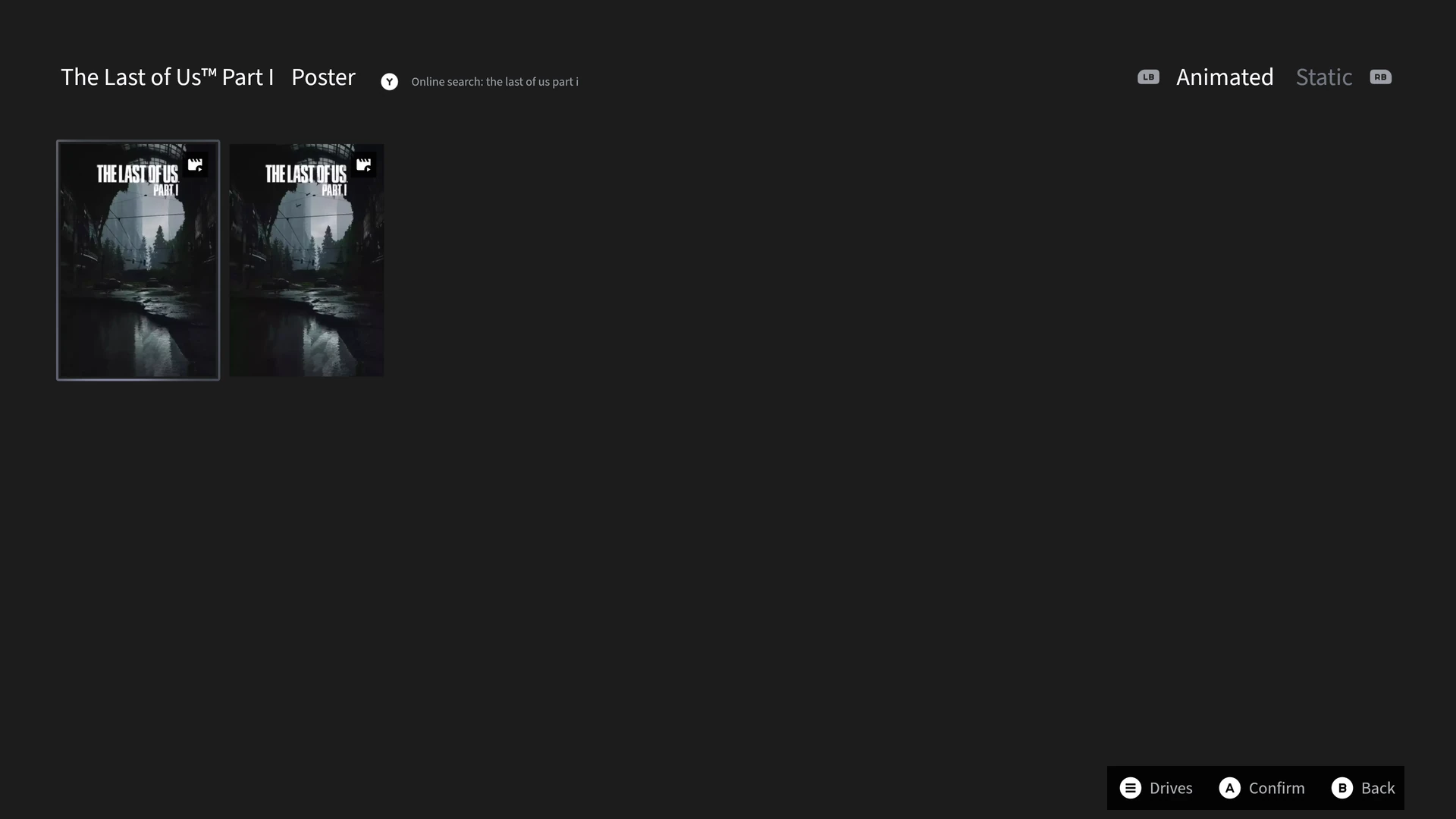
Customize covers, logos, icons, and static or animated posters with your own images or online artwork search.
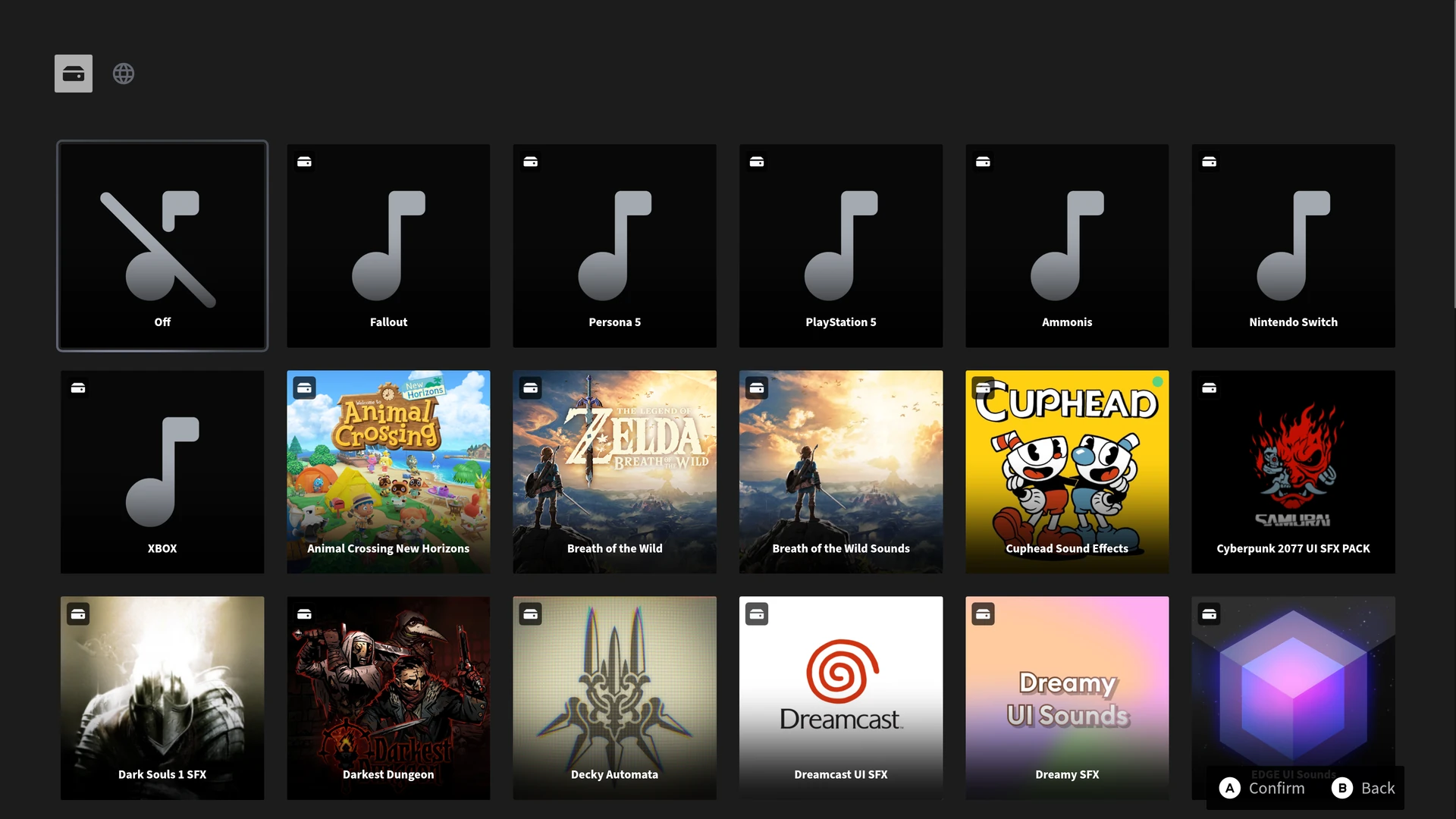
Built-in sound packs / Downloadable sound packs
Ammonis gives your Windows library a polished, controller-first home for couch gaming—without hours of setup or tinkering with themes and plugins.
Yes. On supported Windows 11 systems, Ammonis can serve as the XBOX Full Screen Experience home app. Controller as Mouse, Ammonis controller shortcuts, and Steam/GOG achievement notifications are unavailable in XBOX mode.
Yes. Manage full Lossless Scaling profiles in Ammonis and start or close the app automatically with each game. Lossless Scaling is sold separately on Steam
Yes. Set an RTSS-powered frame rate profile for each game. RTSS must be installed to use these profiles
Yes. Ammonis is designed for couch gaming on TVs and HTPCs, with controller-first navigation throughout
No. Ammonis is designed to feel console-ready without themes, plugins, scripts, or hours of setup
Yes. Ammonis is free to download and use.
Ammonis Premium unlocks online search for high-quality icons, cover art, and animated posters, and removes the 20-item limit on manually added games, programs, and tools. Current early pricing is $0.99/month, $9.99/year, or $19.99/lifetime (USD).
Ammonis supports Windows 10 version 2004 and later, including Windows 11. XBOX mode requires Windows 11 version 24H2 or later and a system where Gaming Full Screen Experience is available.
Yes. Ammonis offers optional animated unlock notifications for Steam and GOG games, with previews and a configurable notification position. GOG notifications require GOG GALAXY to be running and signed in. These notifications are unavailable in XBOX mode.
Yes. Create an in-game overlay profile, choose its content and appearance, and preview it in Ammonis. RTSS must be installed and running to display it in games. Profiles that use MSI Afterburner monitoring data also require Afterburner to be running.